Comparison between Fast-API and ExpressJS Performance

So, I had this question always in my mind that which one is faster like whether the Fast-API or ExpressJS. But the problem is that I have never found the answer in the internet, So here I am and I will show you the results with three things in mind, bandwidth, latency (ms) and req/sec
I had this question in my mind for long that whether the fastapi is fast as it says, or just a lie with the name. Yea, it is a very light web-framework though.
But light doesn’t mean it is the fastest, So Here I am testing the whole things from my computer itself. Let’s try and find out.
For your information, the specs of my computer is
- 8 Gb Ram
- 4 Core i3 3rd gen processor
- Running Manjaro Linux XFCE
We are going to use autocannon here to check the results.
Setting up workspace
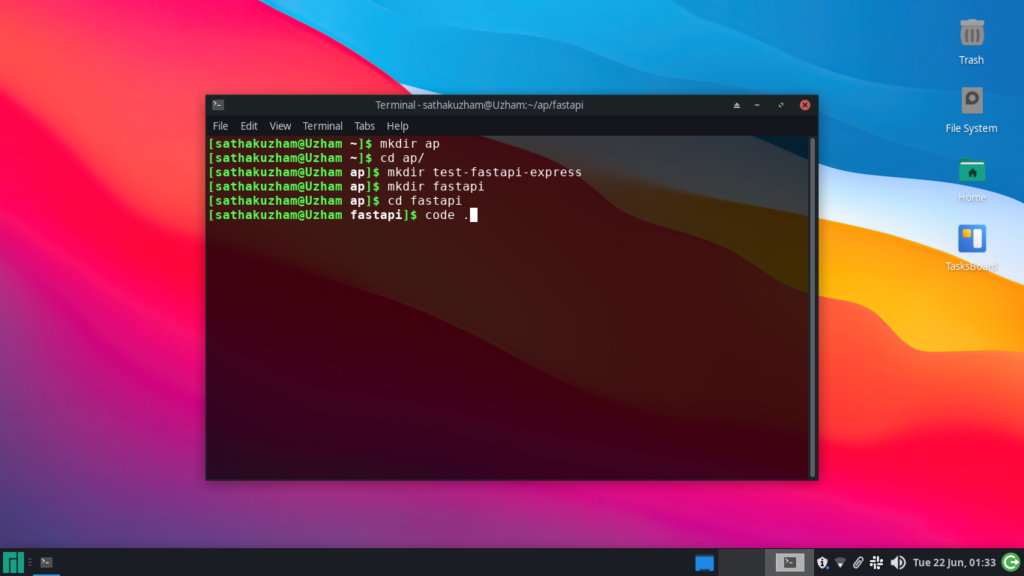
So, what I have did is that I have created a folder called test-fastapi-express and inside it I have created another folder called fastapi.
ap | └──test-fastapi-express | └──fastapi | └──express
So here is our folder structure and let’s get started then, by starting with fastapi.
Fastapi Setup
So, what i am doing is that I have created an endpoint / where when requested it will give a JSON object of this structure.
{ "hello": "Hello World!"*10000 }
So it will generate 10000 Hello worlds when requested, it is a slightly same as that of sending a large JSON object, and this is how I made the response for both of them.
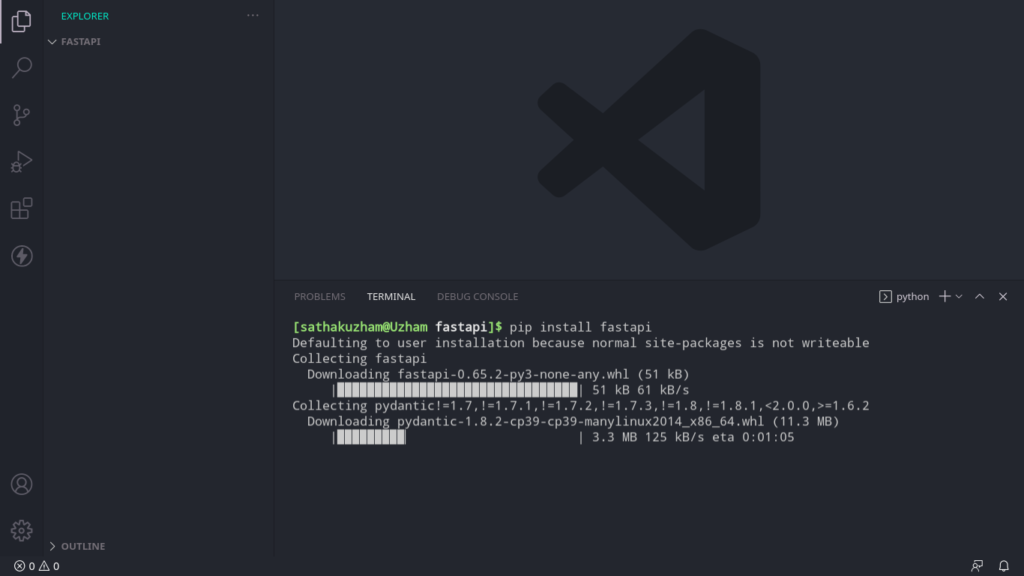
First type in your command line this command that I will provide below. If you want to follow along
pip install fastapi
after that we need to install one more dependency called uvicorn for launching the api as a web server.
pip install uvicorn
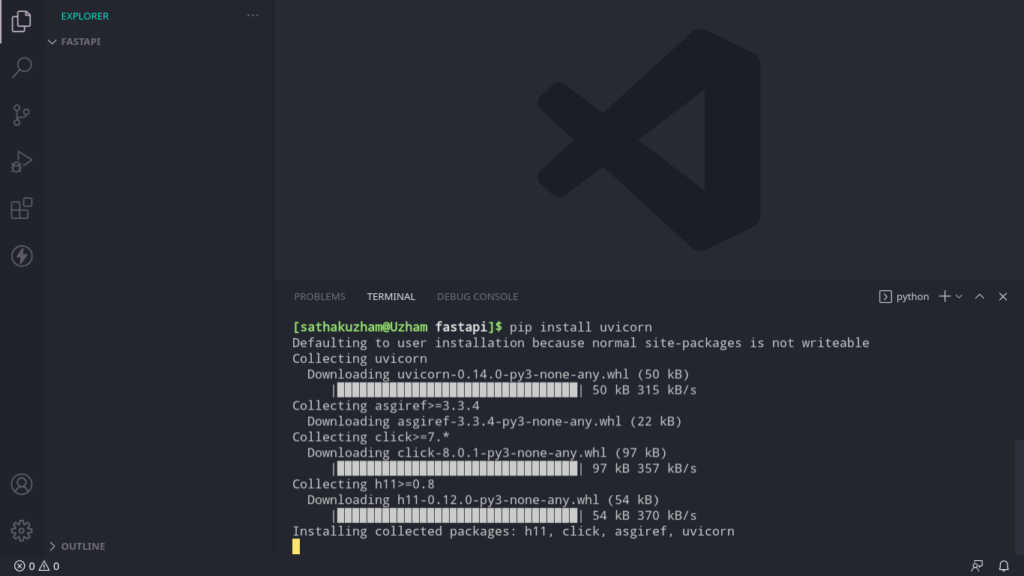
So we have installed both the dependency now create a file in the same directory called main.py or anything you like.
ap | └──test-fastapi-express | └──fastapi | main.py └──express
So here is how our folder structure looks like
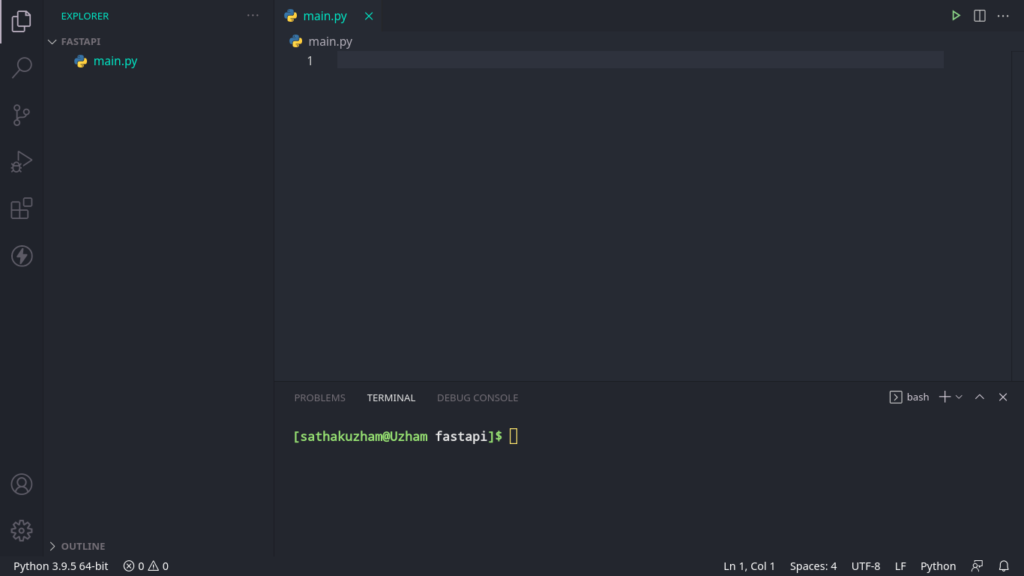
Now, that we have created the folder we will start writing some code on the functionality,
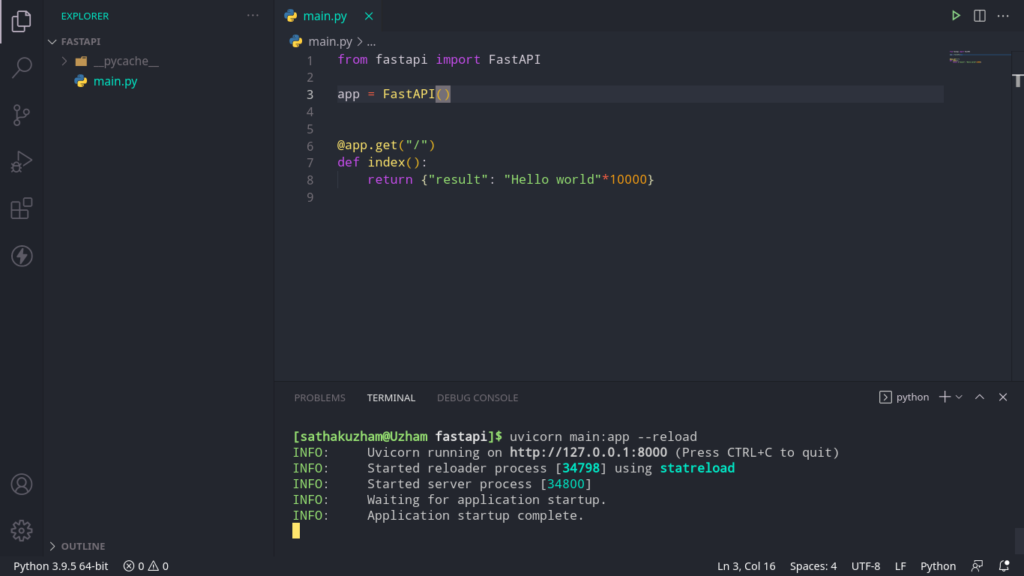
from fastapi import FastAPI
app = FastAPI()
@app.get("/") def index(): return {"result": "Hello World!"*10000}
So in the first line we are importing the FastAPI and after that we are initializing the FastAPI and assigning it to a variable called app,
After that we have used a decorator, to set the route endpoint and in the next line we created a function in which we named it as index and
We are returning a JSON object with the results that I have already said, That’s all for the code that we wrote to get the app running. It is designed in such a way that you can easily get up and running.
Now we have written the code, we have to run the fastAPI.
uvicorn main:app --reload
Use this command, but if you have named your file other than main.py then use the name that you used for creating the file, and after that use the variable name
that you used while initiating the FastAPI
uvicorn {{YOUR FILENAME GOES HERE}}:{{THE VARIABLE NAME GOES HERE}} --reload
That’s all for the FastAPI part, now let’s get to the ExpressJS part.
Express Setup
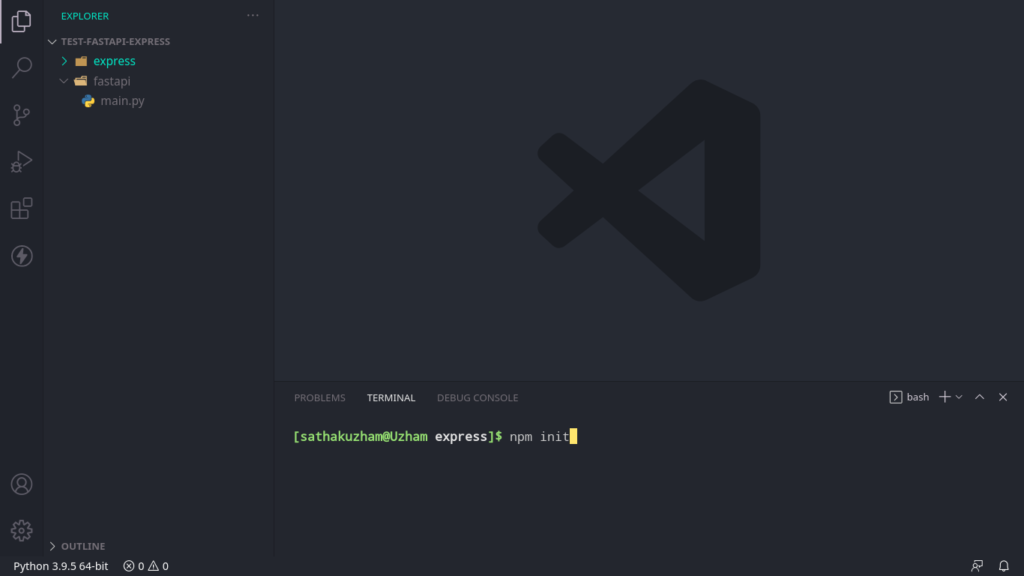
Now create a folder called express outside of fastapi folder.
ap | └──test-fastapi-express | └──fastapi | main.py └──express
Now we have created the folder, we have to run npm init
npm init
Now after creating the folder, we will need to install express
npm install express
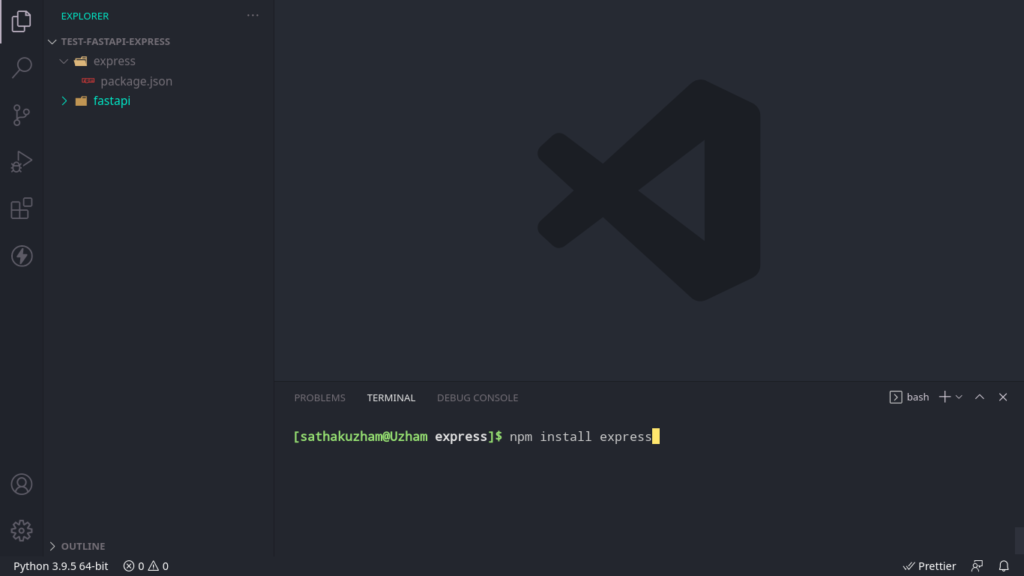
After running this you should create a new file called app.js
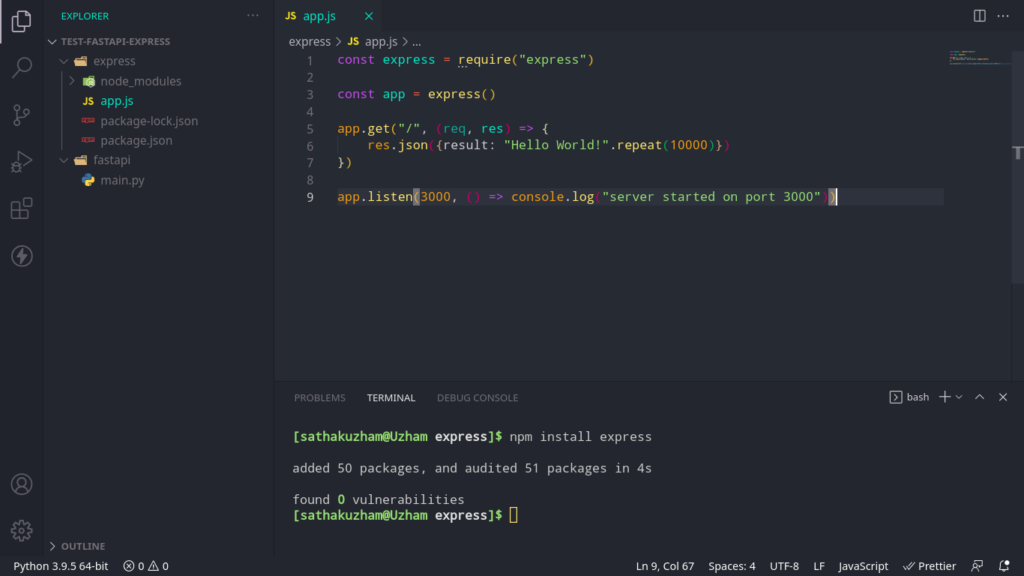
Now after creating write this code block.
const express = require("express")
const app = express()
app.get("/", (req, res) => { res.json({result: "Hello World!".repeat(10000)}) })
app.listen(3000, () => console.log("server started on port 3000"))
So, in the first line we have imported the express package, then we have made a function call and assigned it to a variable called app,
Then we have used get method from the app variable and we set the endpoint to be “/” and after that we are using arrow functions and returning in response a JSON object with the same response.
Then we are letting the server to listen on port 3000. After that we should run the file.
node app.js
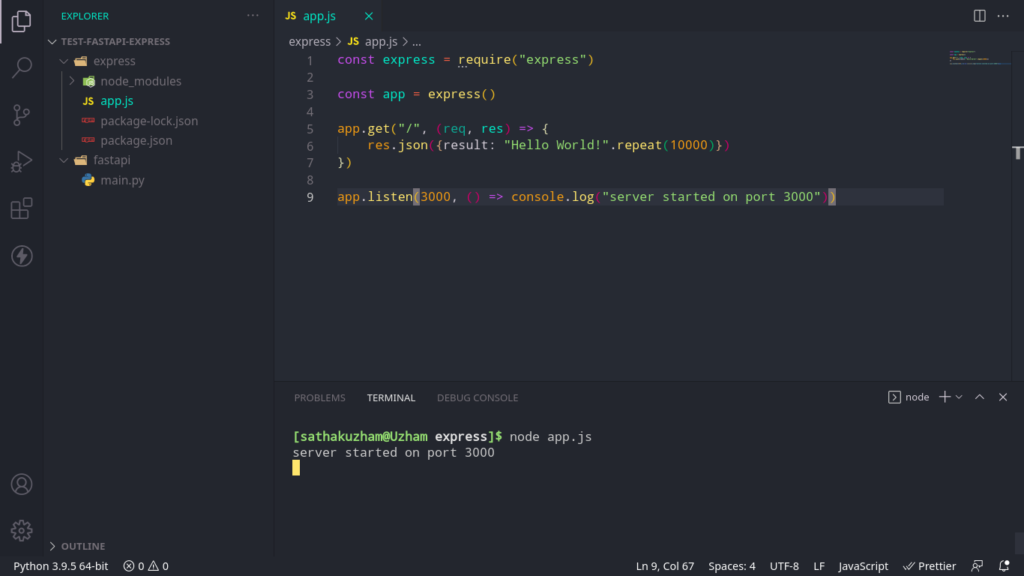
That’s all we have did it.
Running the tests
So, we are using autocannon here for testing both the things, we are going to install it first globally.
npm install autocannon -g
So it will install autocannon for everyone, if you are using windows then run it in administrator cmd, and if you are in mac or linux run this with sudo.
After installing we are ready to do the tests.
I have opened three terminals.
In the first one I am running fastapi and in the second terminal I am running express
Then we are running this code on the third terminal
autocannon http://localhost:8000 -d 10 -c 30 -w 3
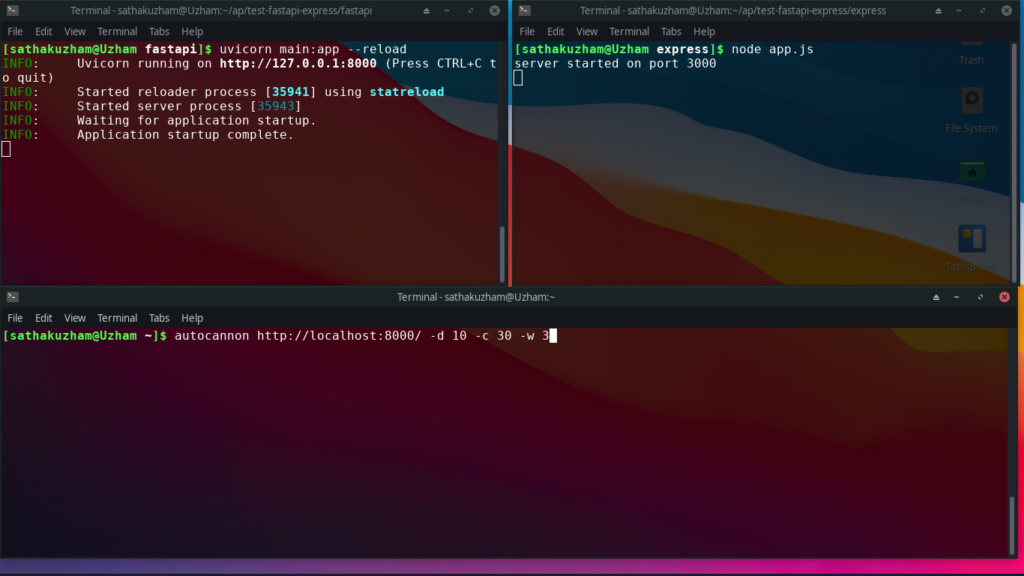
So this code will run the test for 10 secs and with three processes.
Let’s see the results.
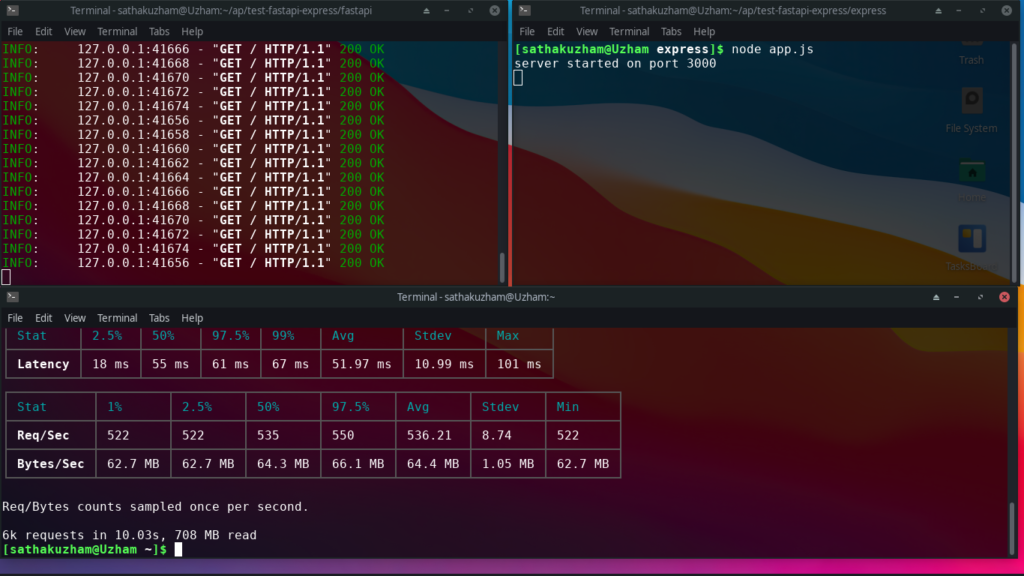
As you can see we have got the results for the FastAPI. Now we will run it for express
autocannon http://localhost:3000 -d 10 -c 30 -w 3
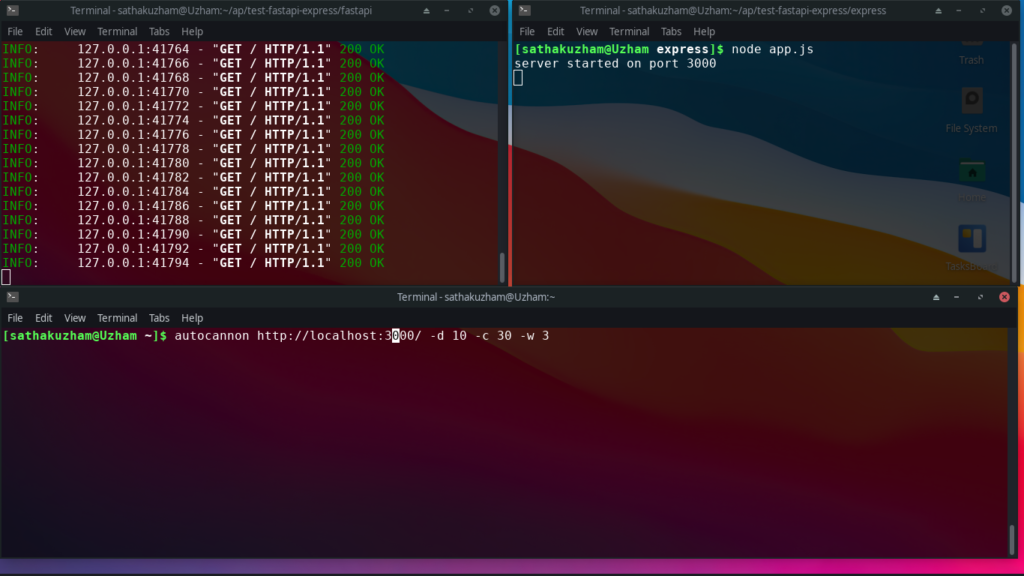
We are running this code now and in a fraction of seconds we will know the results, oh you don’t need to because I have already got the results for you.
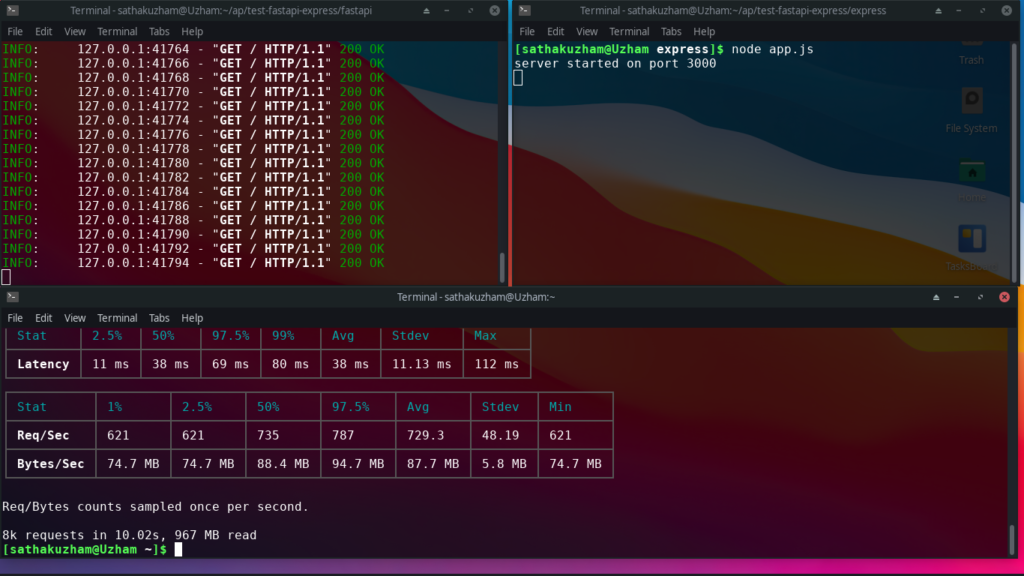
Results
Are you ready for the results and are you sure that this won’t affect you and this wouldn’t make you feel bad. Okay I was joking. Let’s see the results.
So I have categories by three things.
- Latency
- Bandwidth
- Requests per second
I have seperated them into sections and there is the final conclusions, we will what’s the best among them.
Latency
In the case of fastapi these are the results.
- Lowest of the latency is 18 ms
- Average of the latency is 51.97 ms
- Highest of the latency is 101 ms
Let’s see the results of express
- Lowest of the latency is 11 ms
- Average of the latency is 38 ms
- Highest of the latency is 112 ms
The winner of the latency is express by 1.36 times or 136%.
Bandwidth
In the case of fastapi, the bandwidth per request is 0.12 MB.
For the case of express, the bandwidth per request is 0.12 MB.
So, there is no winner for the bandwidth. It is draw
Requests Per Second
In the case of fastapi, the requests per second is 536.21 reqs/sec
express on the other hand, the requests per second is 729.3 reqs/sec
As you could see the clear winner here is express by 1.362 times or 136% as same as the latency.
Conclusion
Finally here we are, we have made a scientific discovery finding out which is the efficient one among them and we have concluded that express has a passed with colourful grades.
That was funny to write formally,
Yea finally we have found which one is the fastest and we have found and it is express by winning 2 of the three tests and also the other one is draw not lost.
If you think I should try the test differently then comment down below, I would be glad to try it out.


