Complete MERN Stack Website From Design To Deployment.
We’ll be creating a complete MERN Based Online-Course selling site. We will also deploy this for completely free of cost and it will be forever free. Trust me, Am not a liar and This is not discussed anywhere in this whole internet. I found this recipe after years of research on this topic.
So let’s get started. These are the softwares we will be using through this course and There will be back to back posts on this 2 days once, So stay tuned
Requirements
- Basic Laptop
- Internet Connection
- Basic Knowledge of NodeJS
- Basic Knowledge of React.
What We Will Cover
- Designing a website completely from scratch
- Find resources that are copyright-free to use for the website.
- Making A Plan For Creating The API
- From Start To Finish Of An API
- Writing Documentation For Our API
- Setting Up Our Workspace for React App
- Making React Website.
- Integrating Our React App With Our API
- Deploying Our Web App For Production For Lifetime free.
Softwares We Use
Here are the softwares that we use,
- Figma (Designing)
- VS Code
- Chrome
- Postman
- Github
- Git
- MongoDB Compass
These are the softwares that we use during the development of our Project, Am really excited to get going. Let’s see all the things and why they are used.
Figma – The Best And Free Designing Software
You may ask why do even need to design but the thing is without proper planning, the project may turn into piece of garbage.
So planning is must and first we start out with design for the Frontend and then We will get plan the API but first let’s get started.
Download the Figma by clicking here. And create an account for yourself and Here is how you should do it. I have updated it with images.
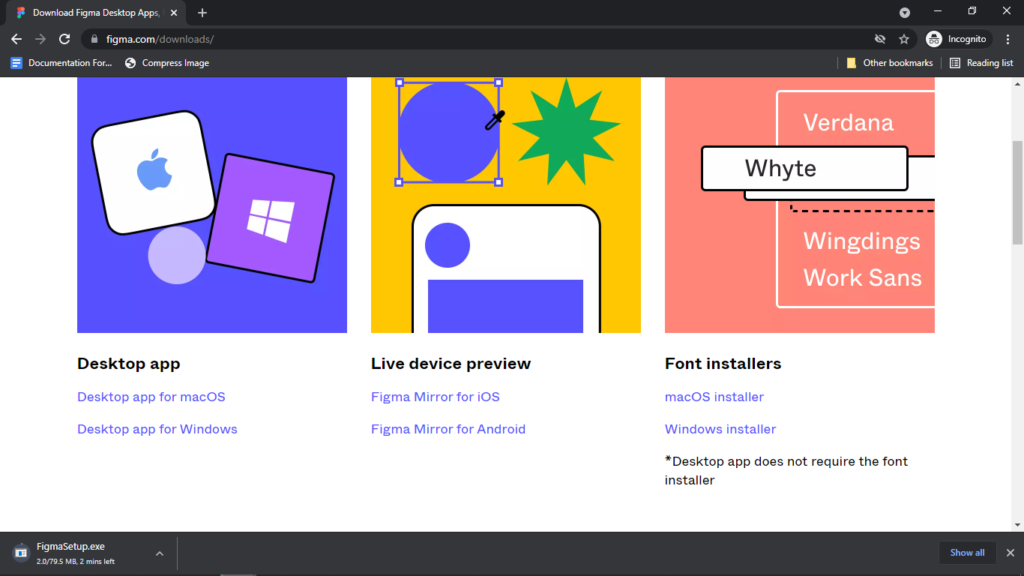
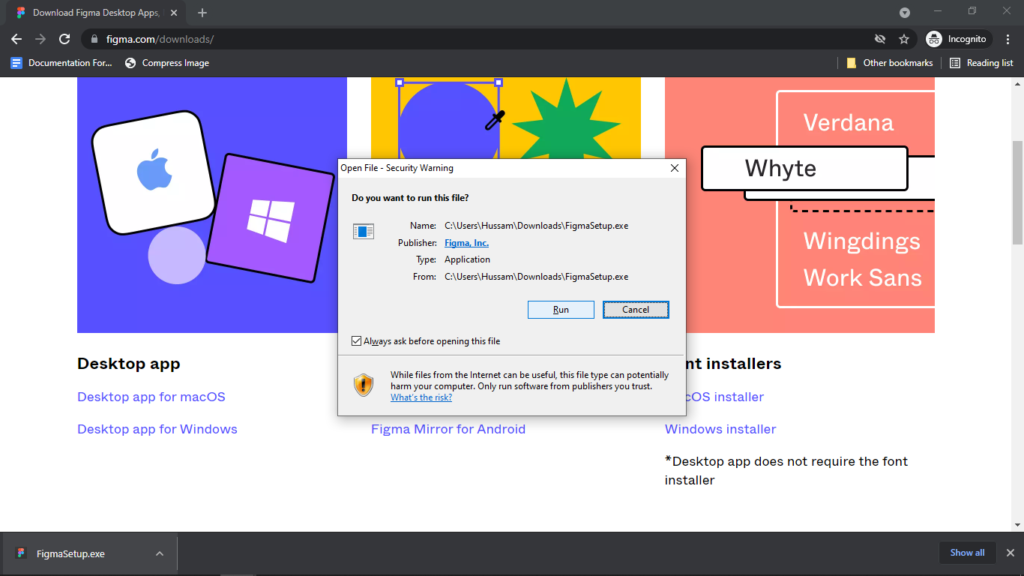
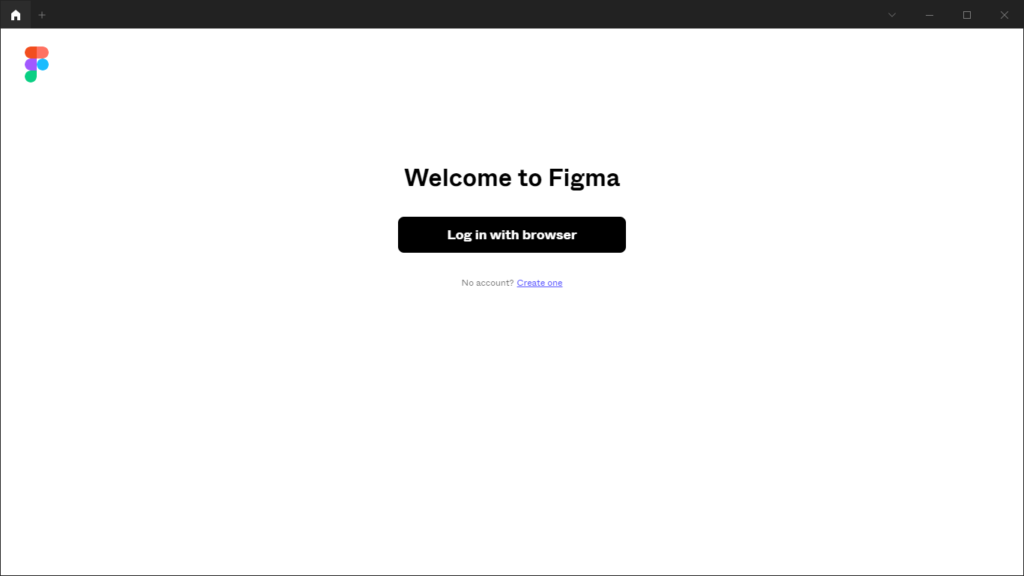
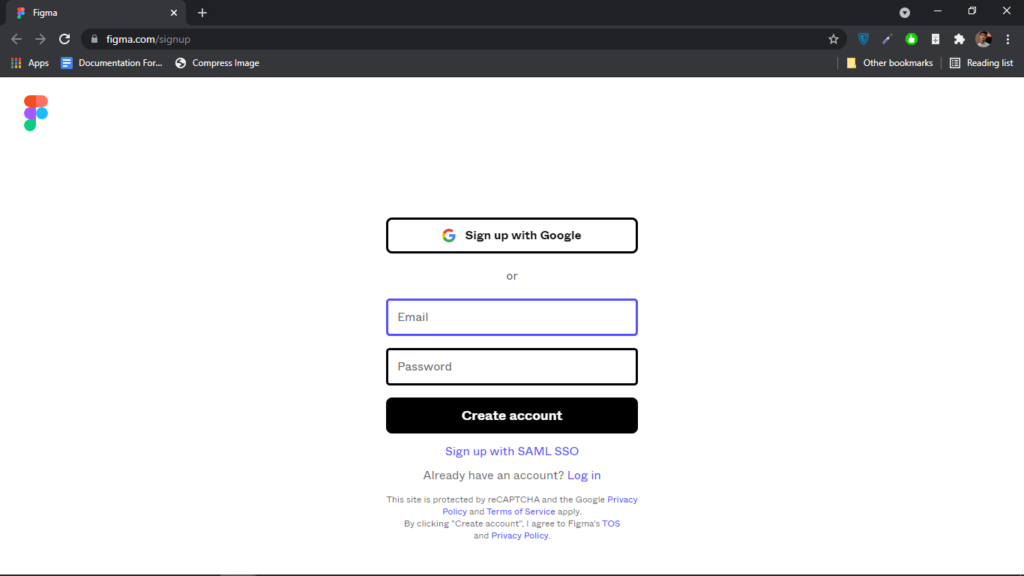
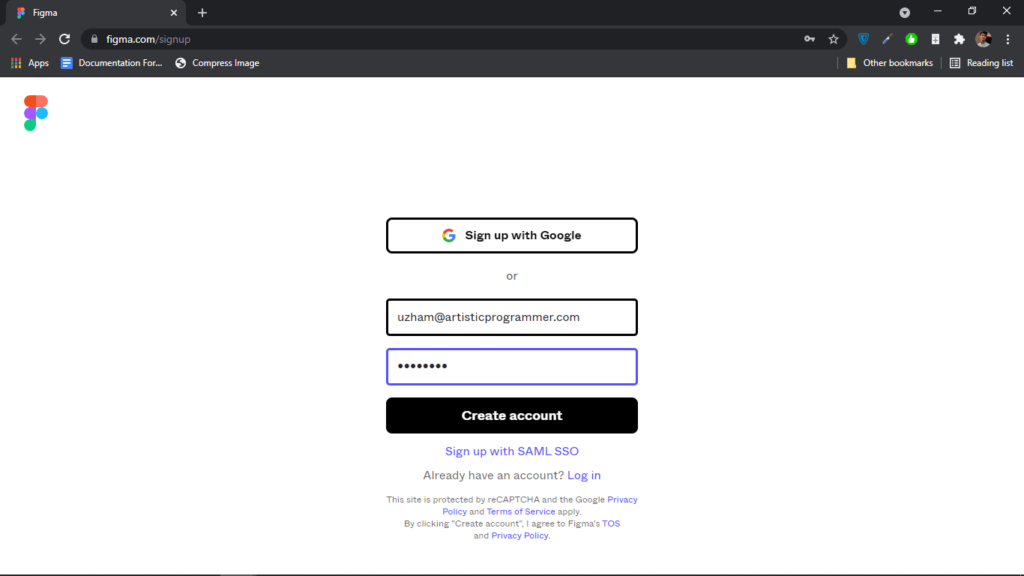
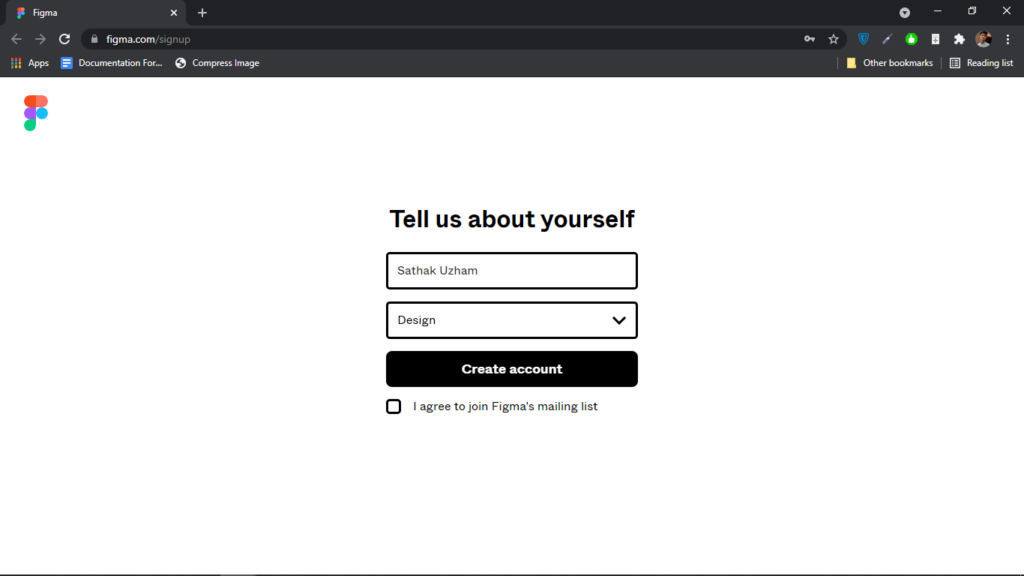
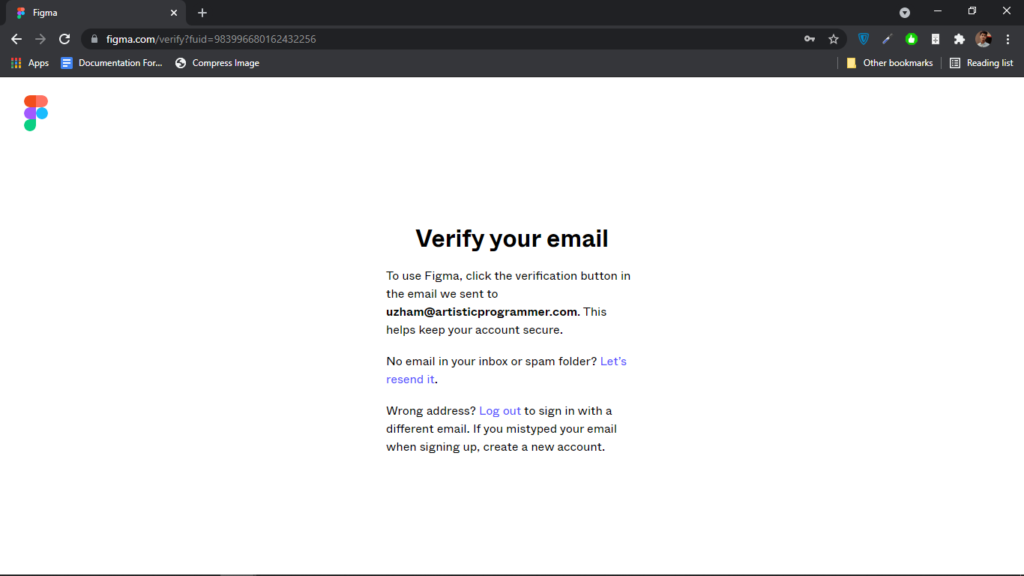
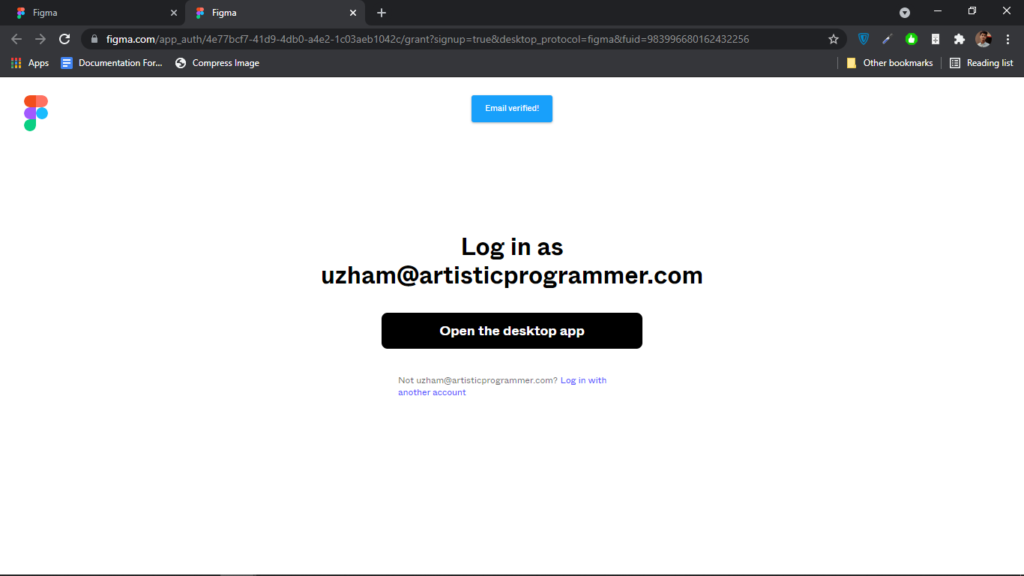
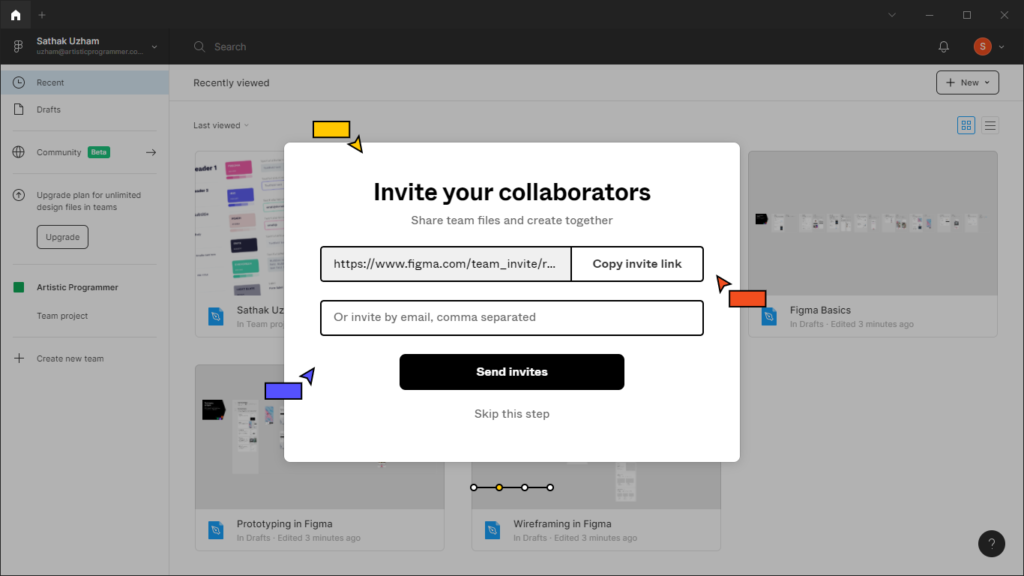
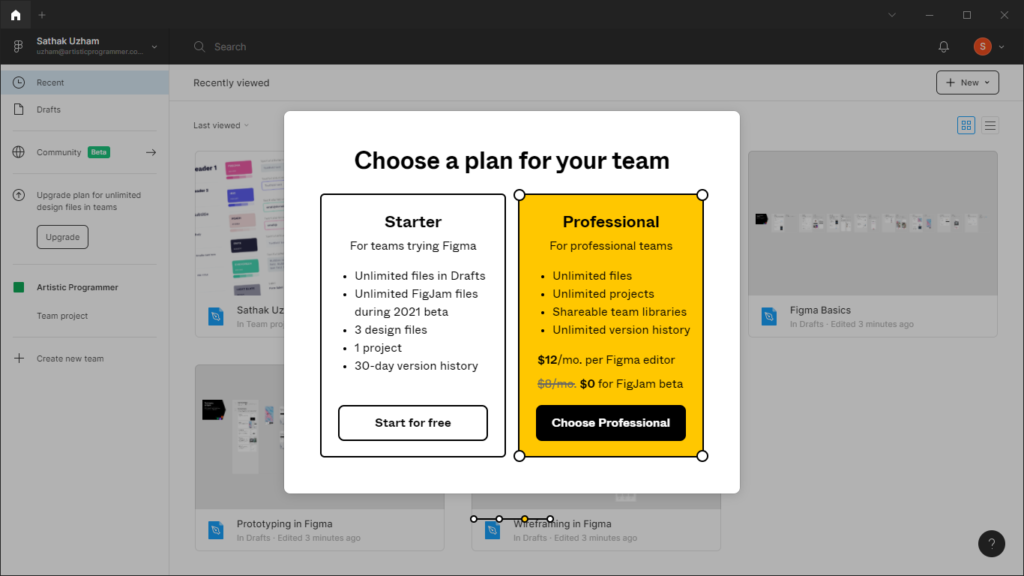
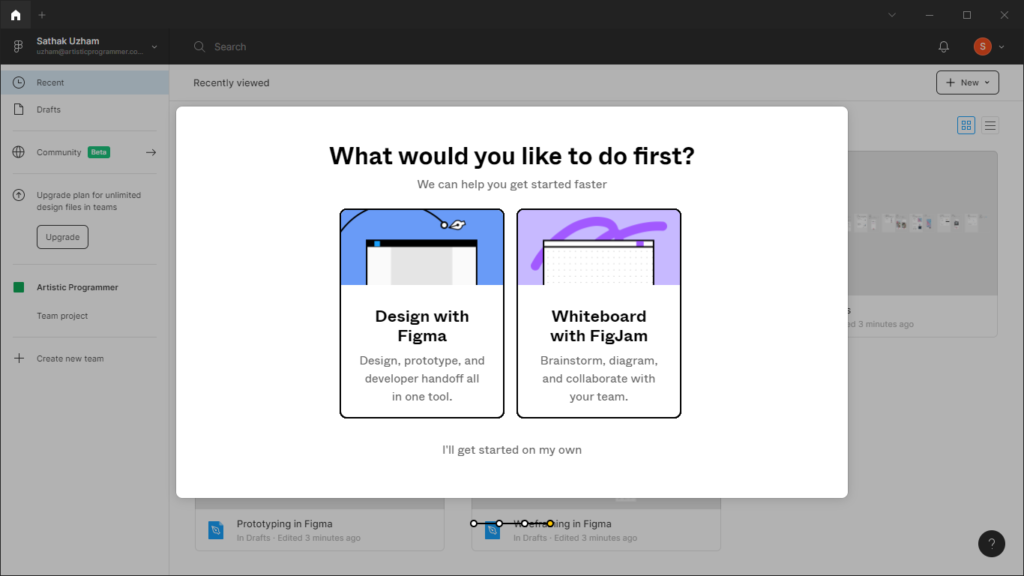
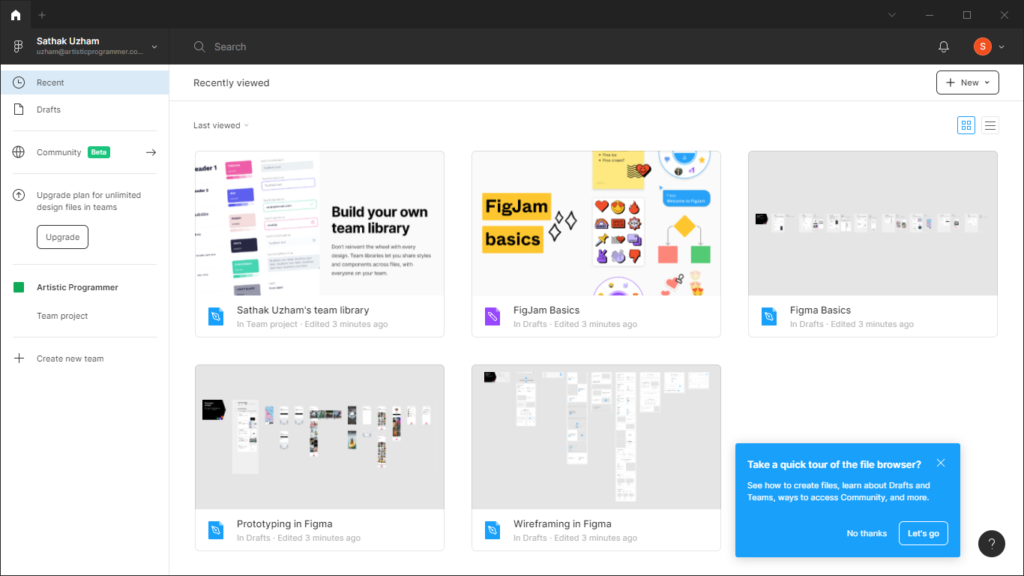
Congrats you have completed installing the design software and let’s then start the downloading of the VS Code.
VS Code
Here is the most important part for coding, We will do all the coding stuff in here alone. VS Code is one of the most used coding editor.
I love this code editor and there is a bigger community for it than any code editor.
So let’s download this, Click Here to download
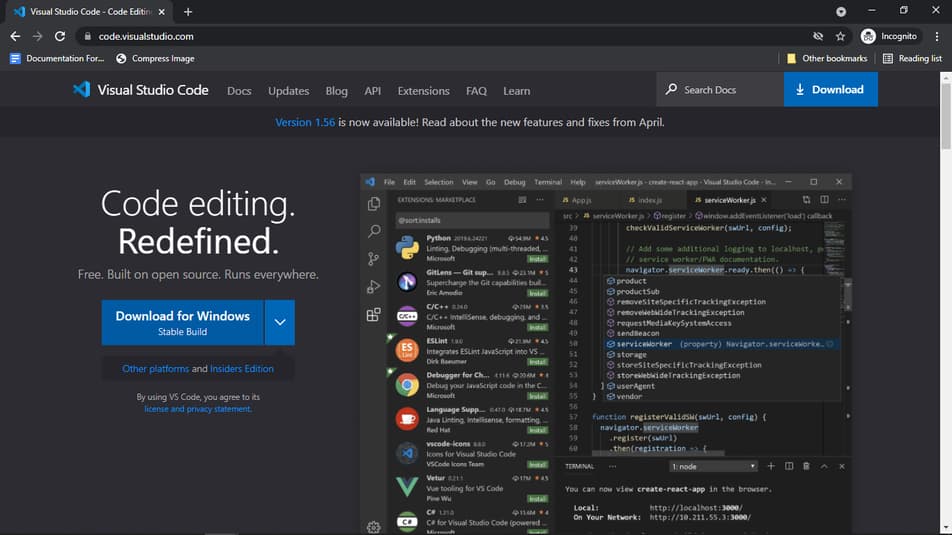
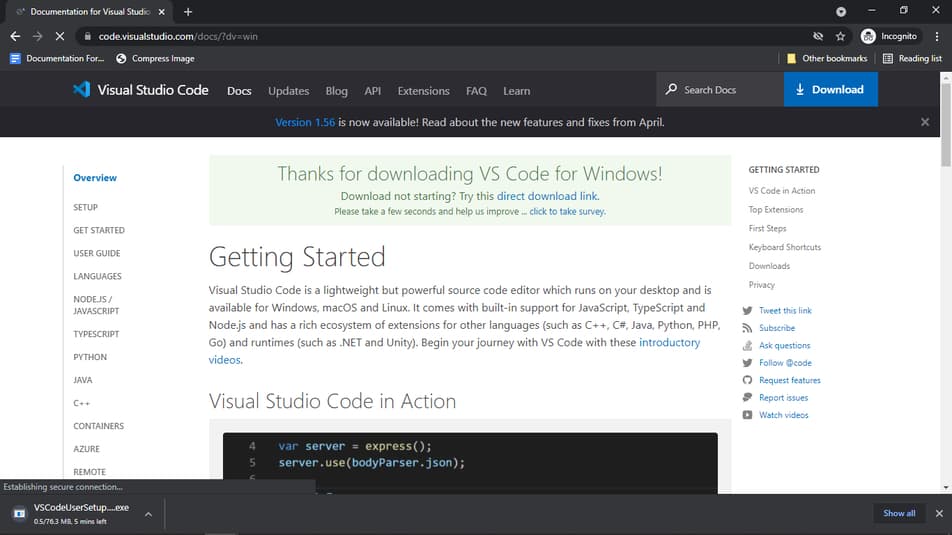
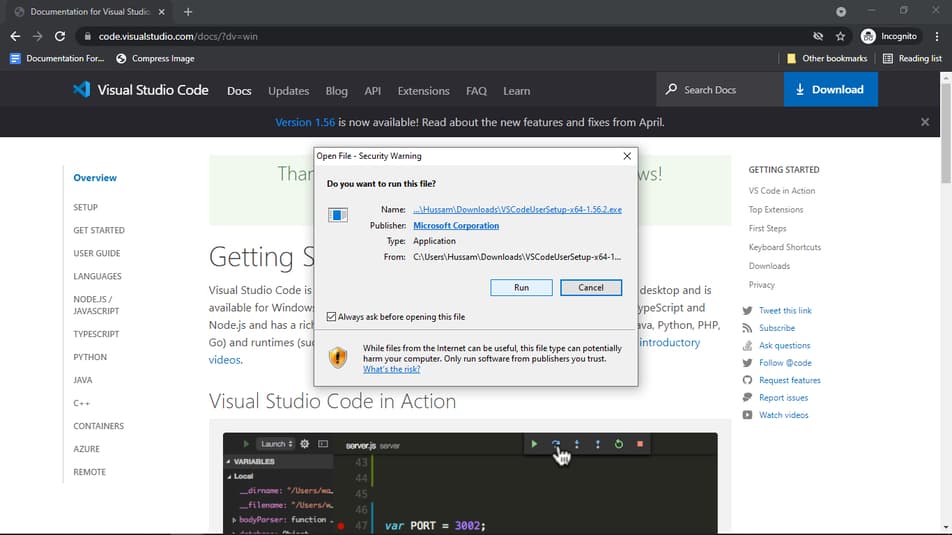
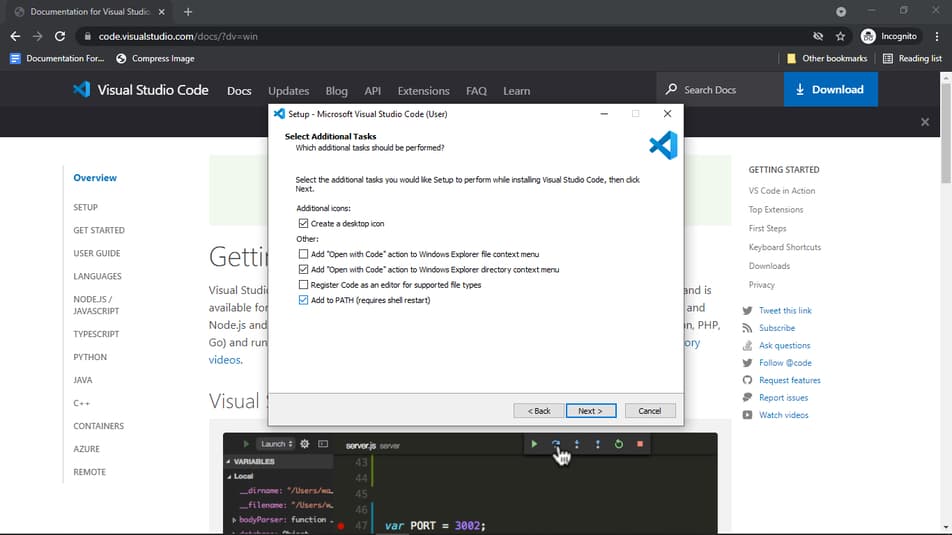
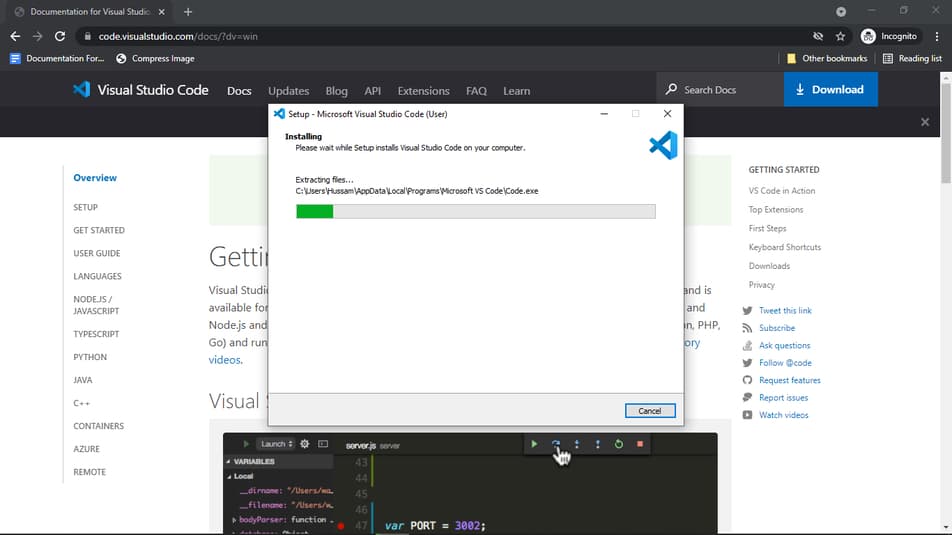
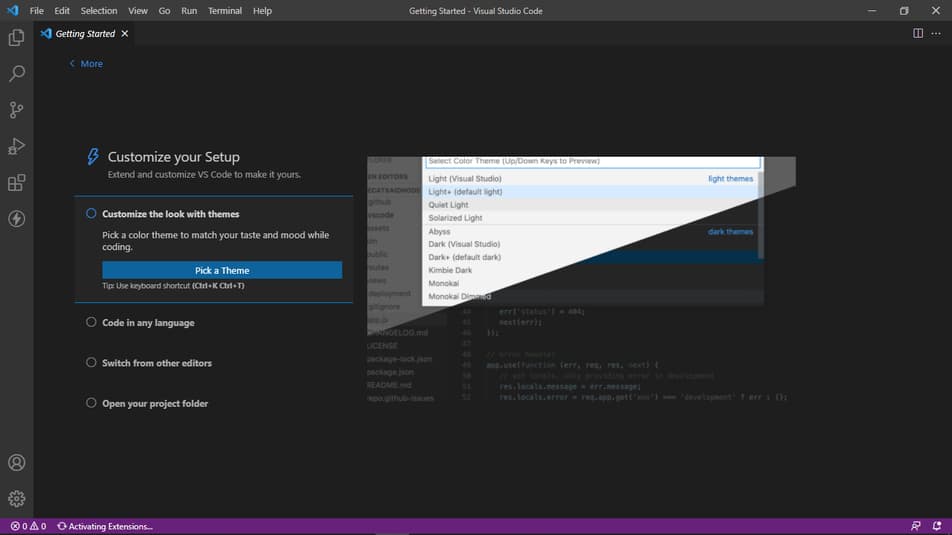
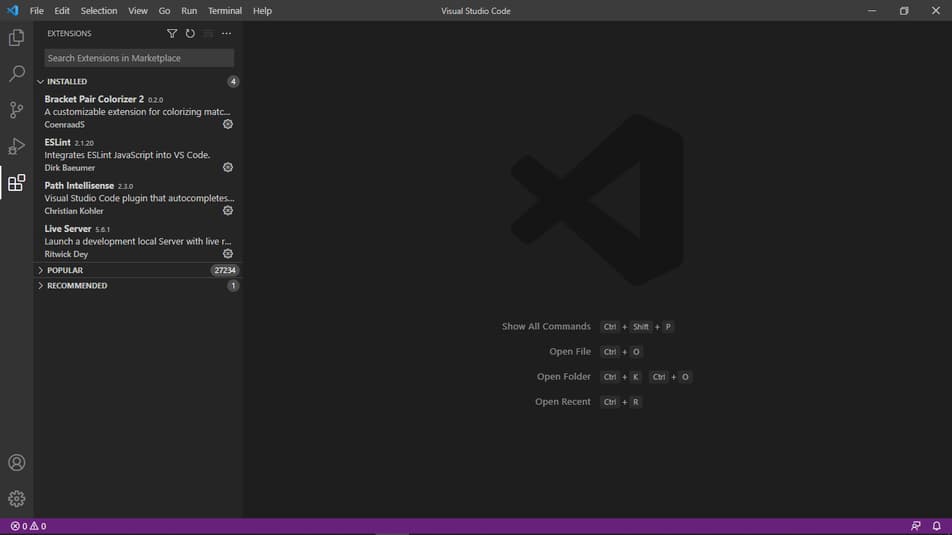
Setup Done.
NodeJS
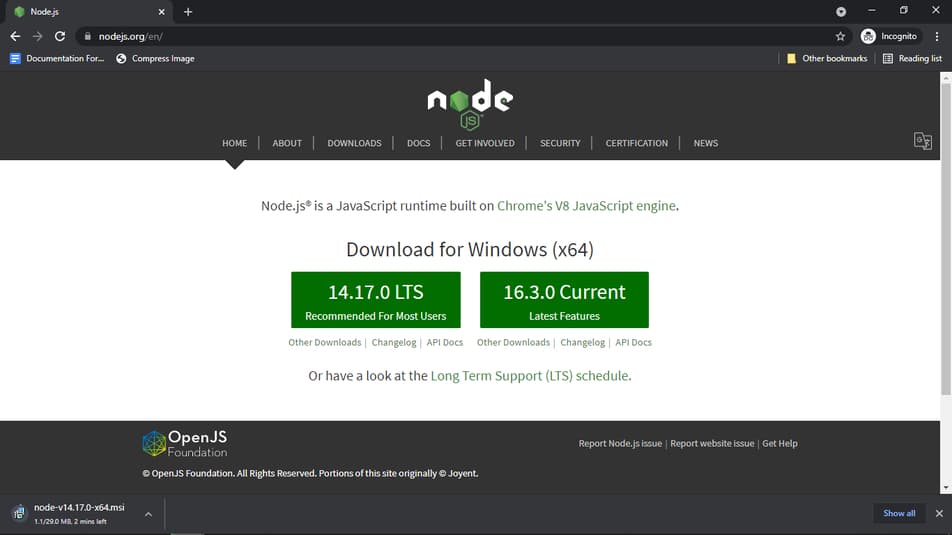
NodeJS is like Javascript but It can run without the browser, So We need to install it for running our ExpressJS API in our PC or Desktop.
Click Here and download the latest version among them. After downloading tap the installer and keep pressing next and next, It will download automatically.
Chrome
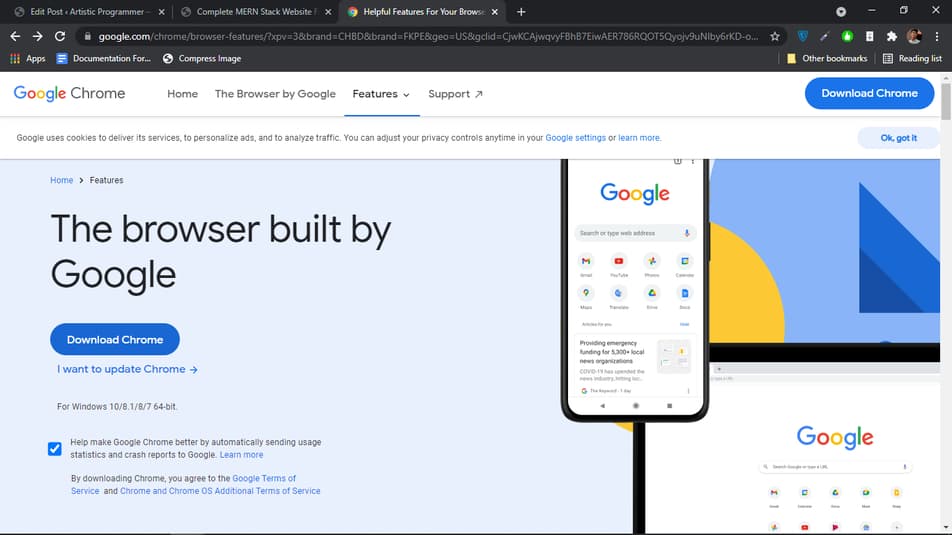
Chrome is where we will do all our frontend development with react and chrome provides lots of features for developers and we will use it for debugging and purpose.
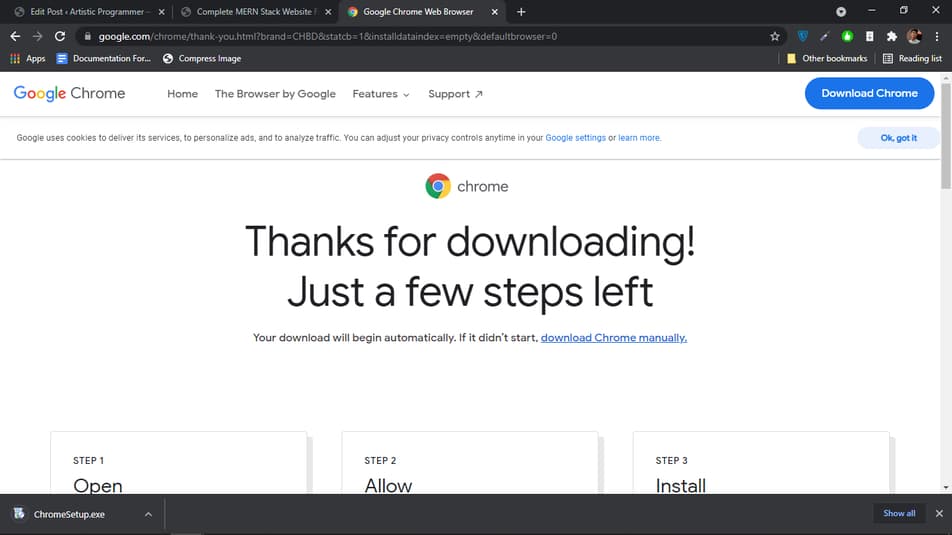
Click Here and download the chrome, after that you should click install and install it.
Postman
This is the most important thing for the API testing and without this, Our lives will be a complete mess for testing API.
It provides easy to use UI and everything is easier to use. And You can sync it between different desktops.
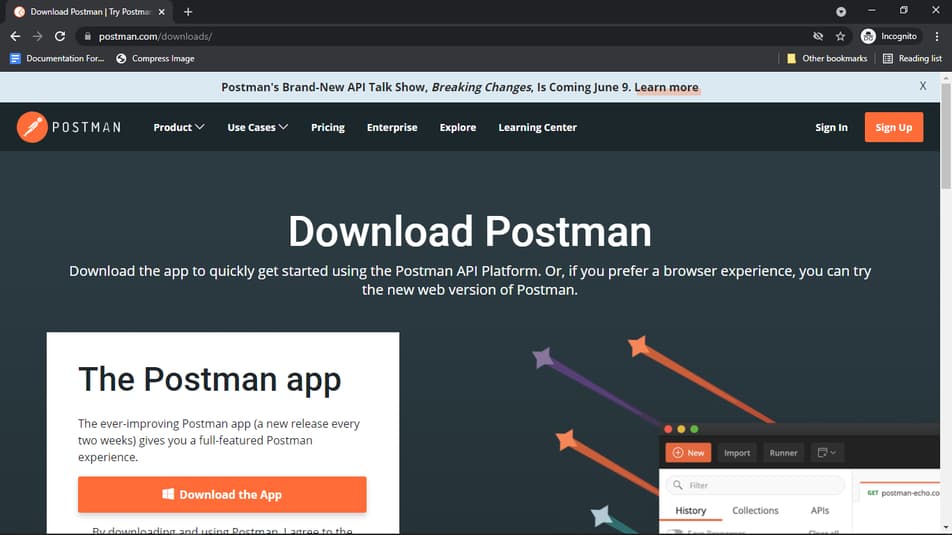
Click Here and download the postman, Choose 64 bit because most systems use 64 bit. For some members it can be confusing to install, So I will do it step by step
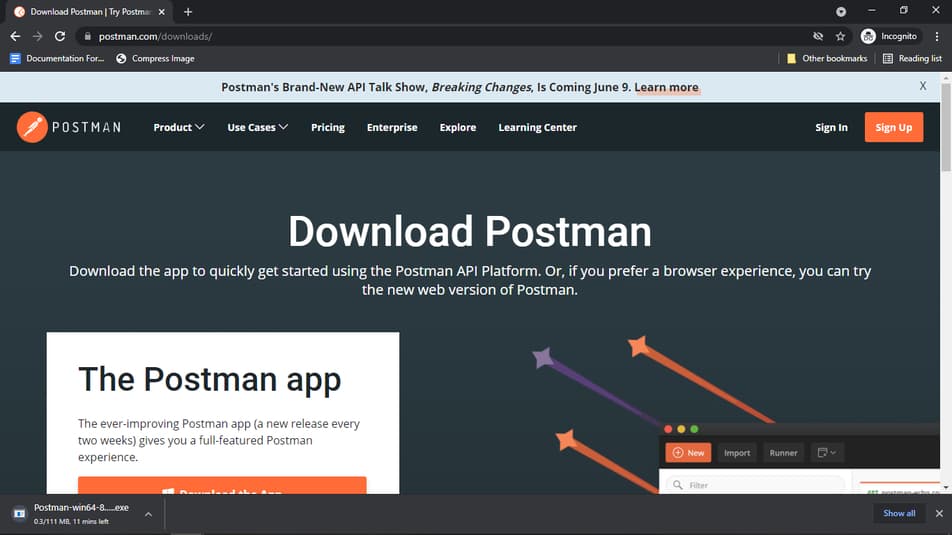
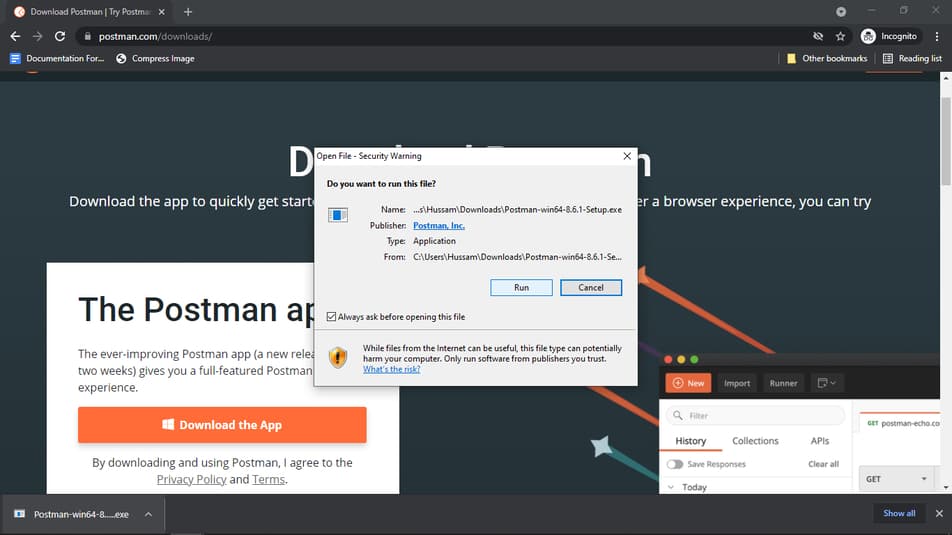
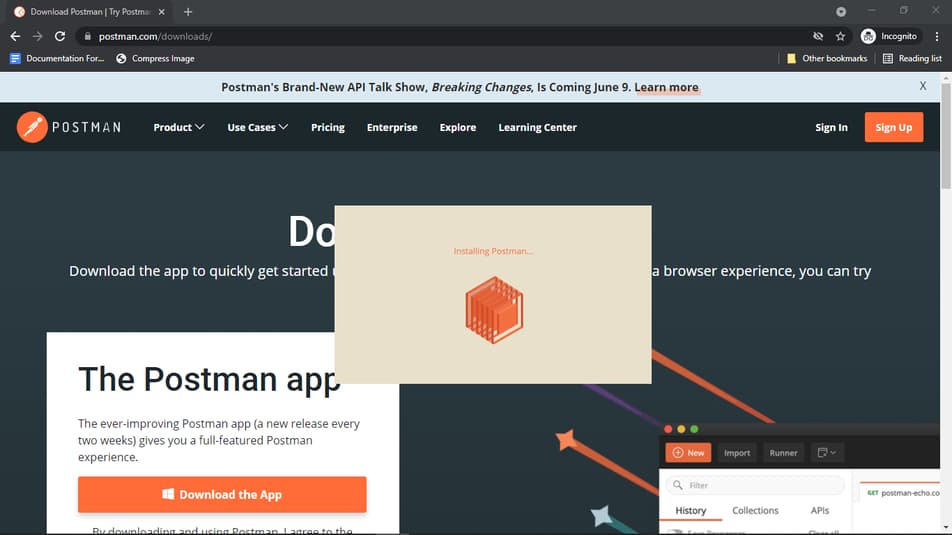
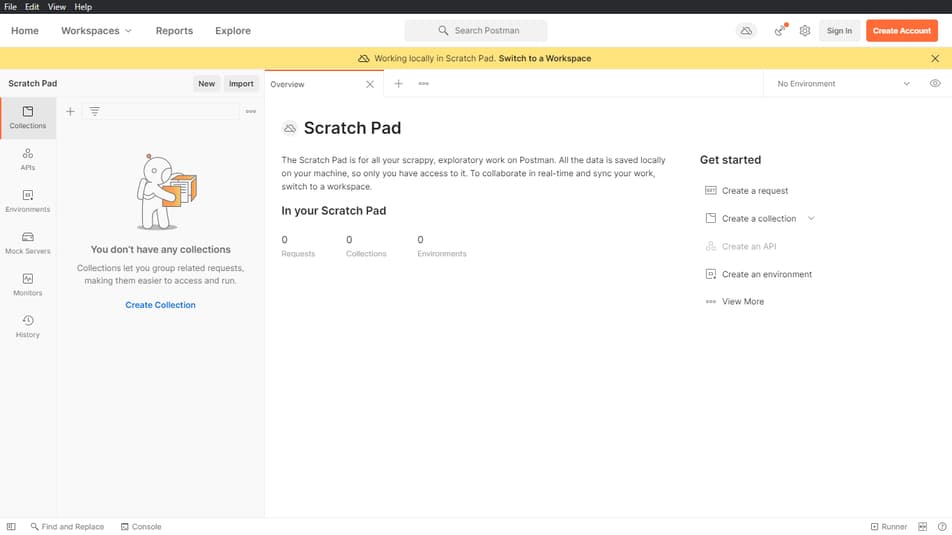
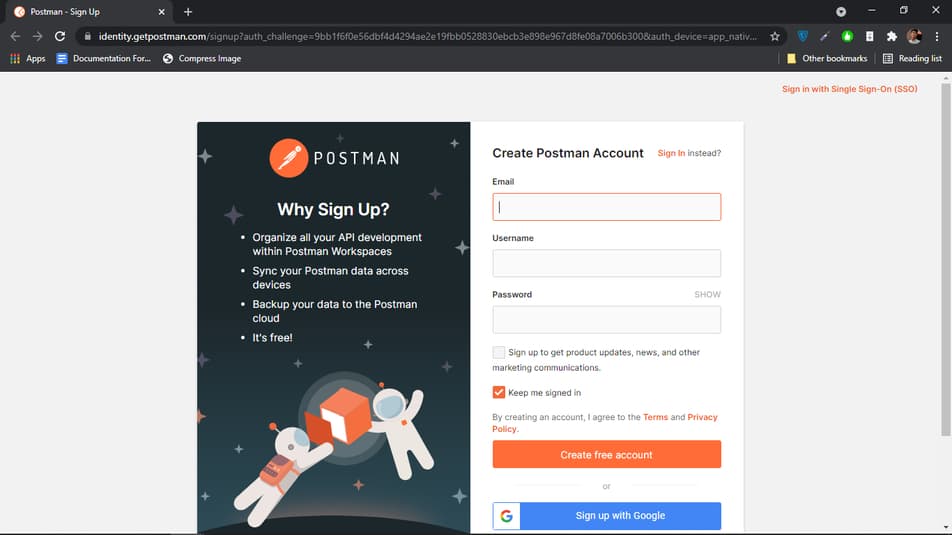
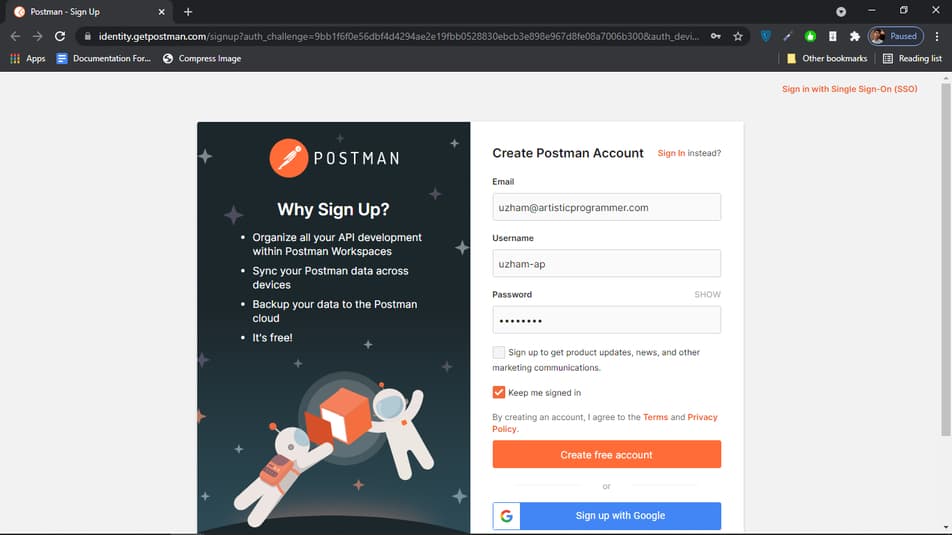
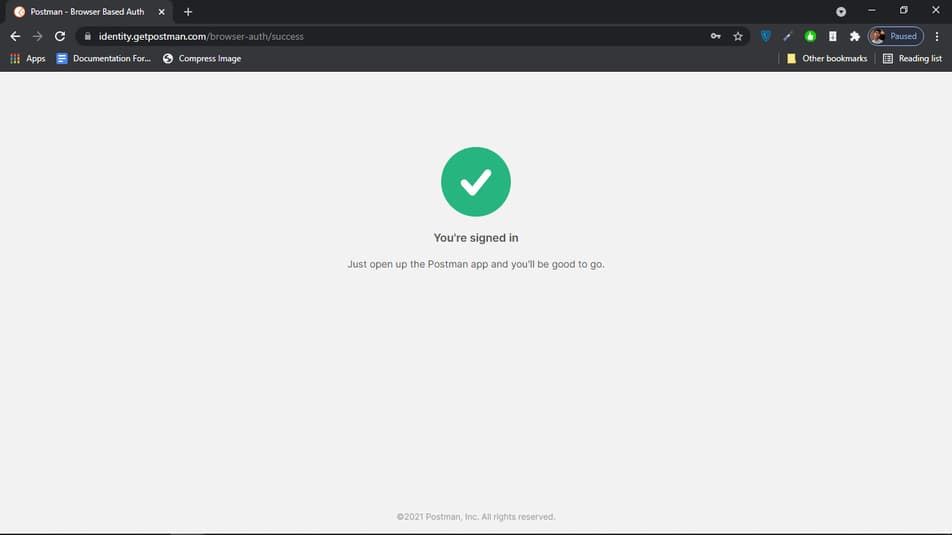
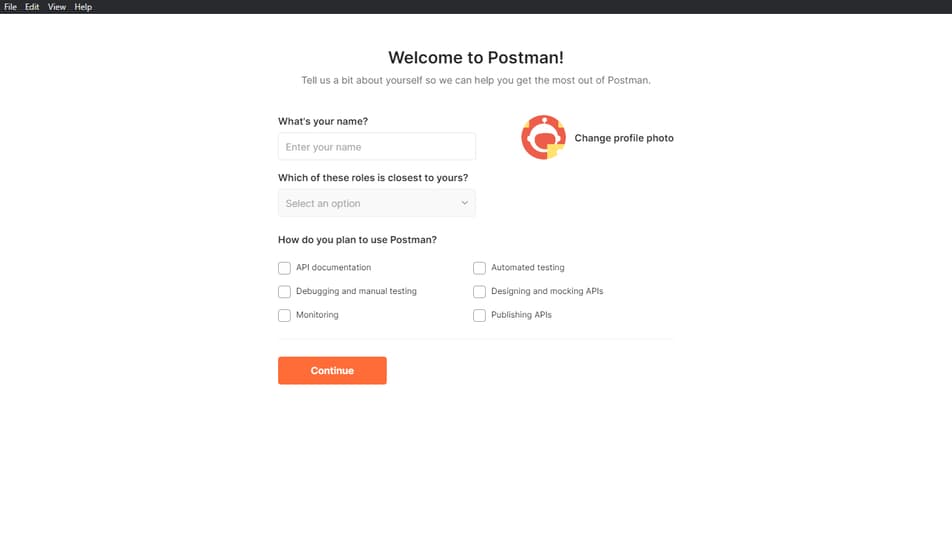
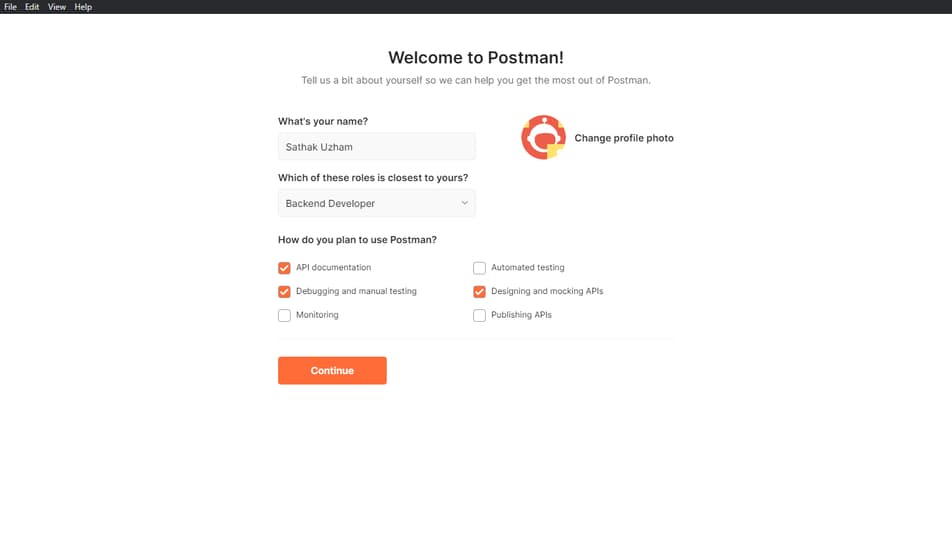
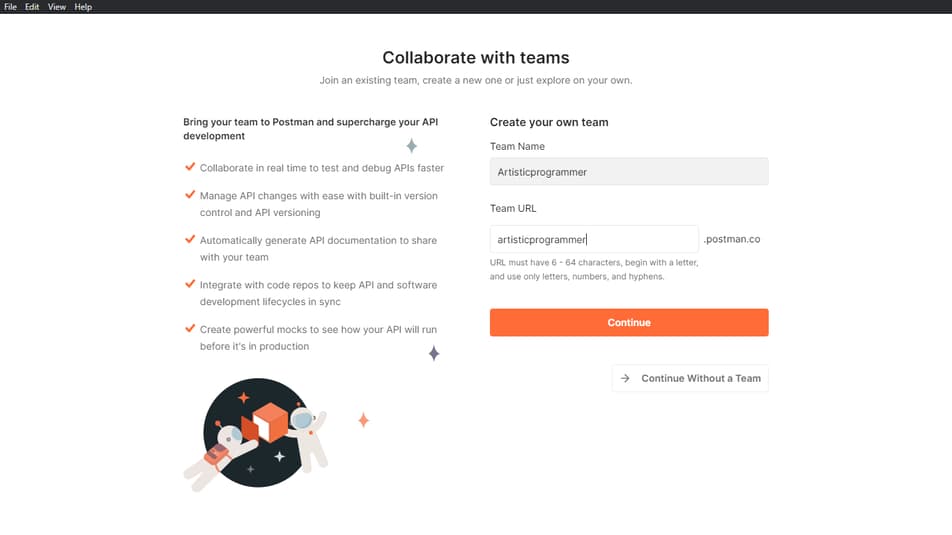
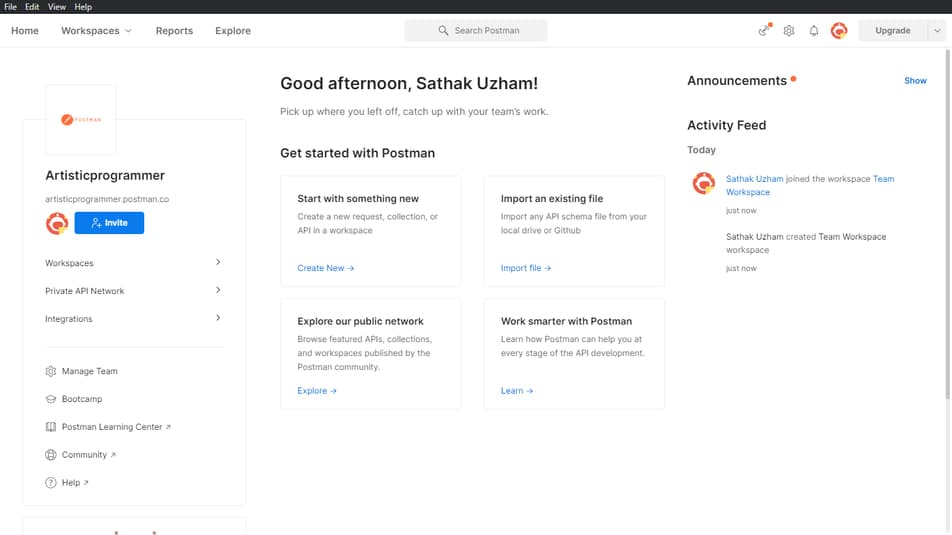
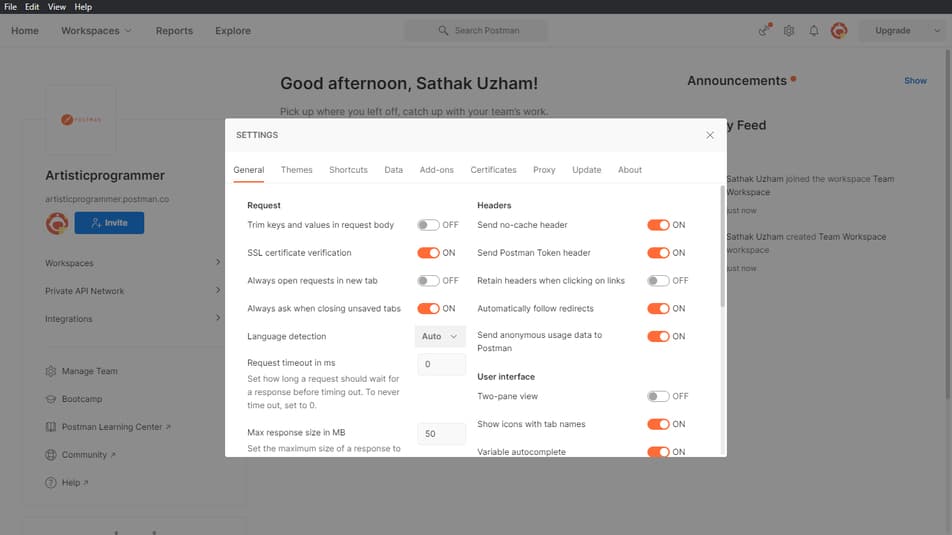
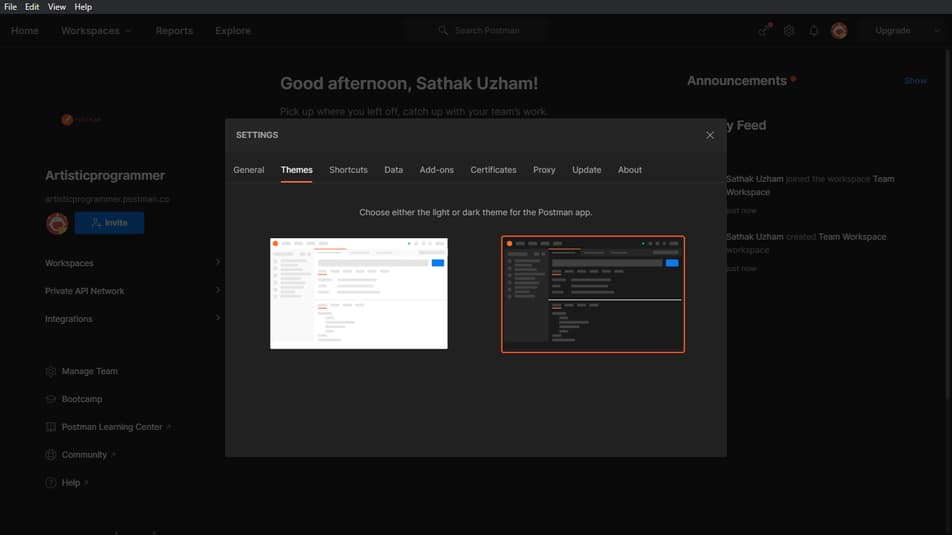
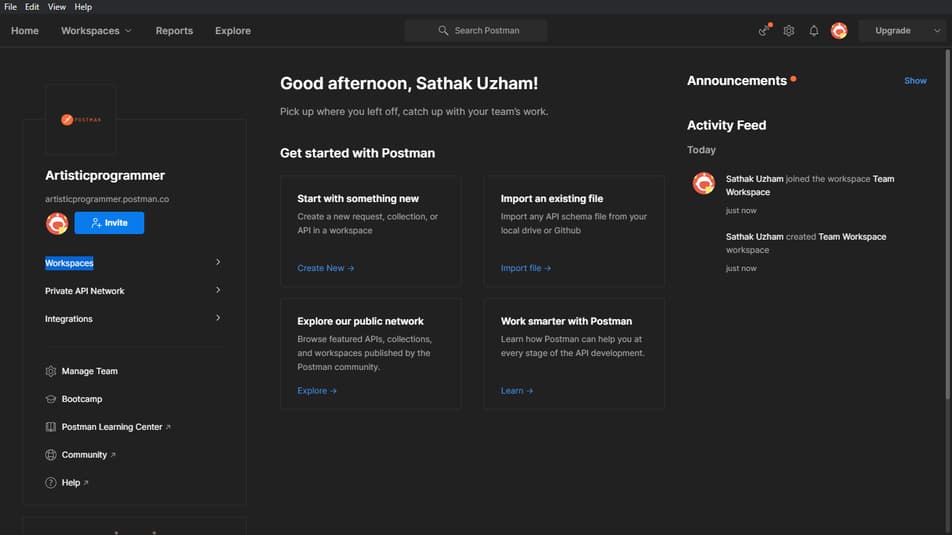
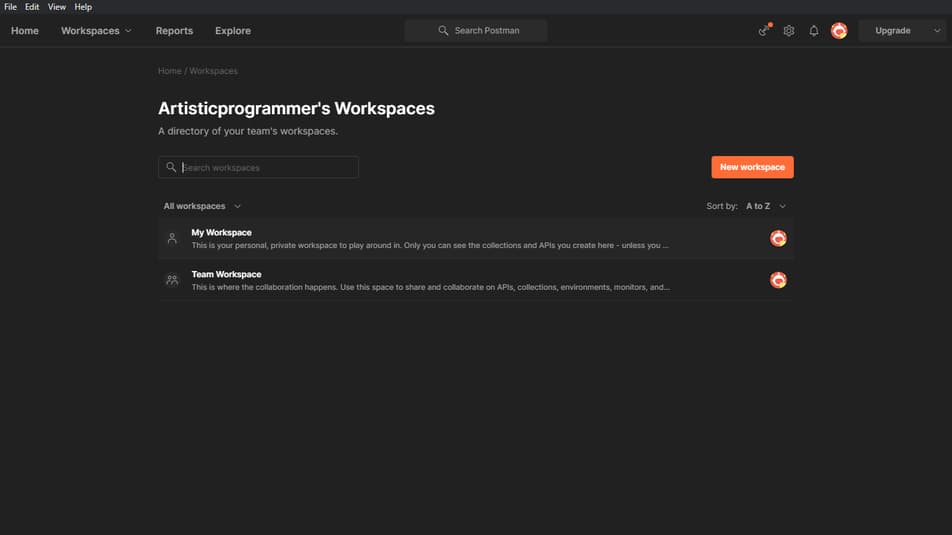
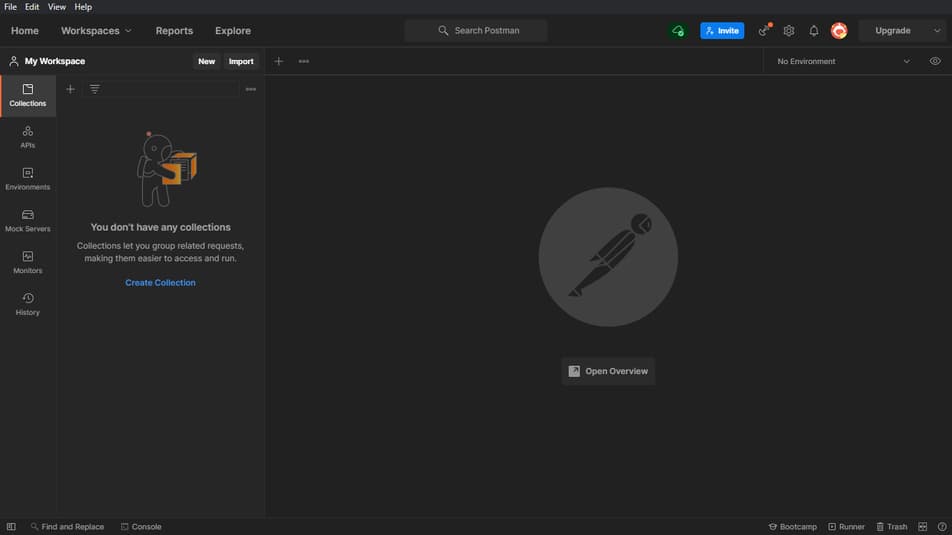
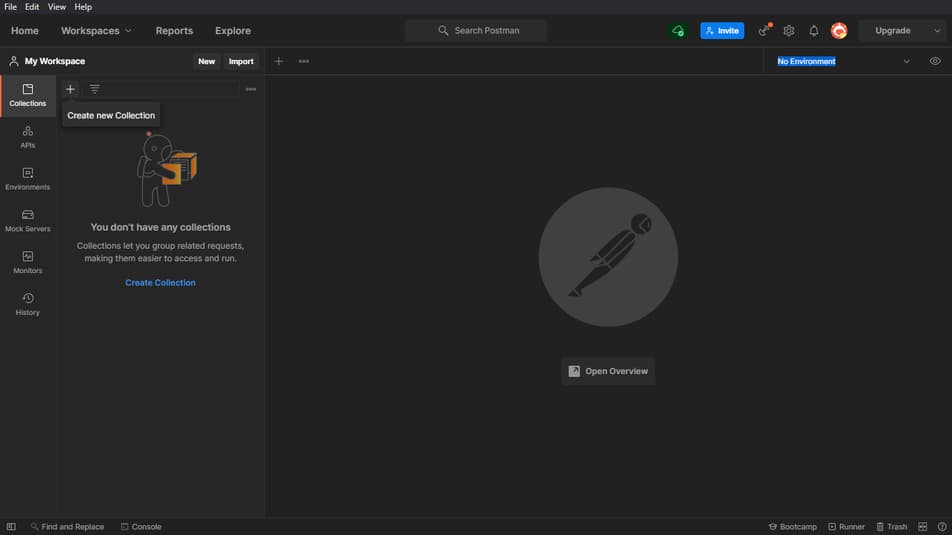
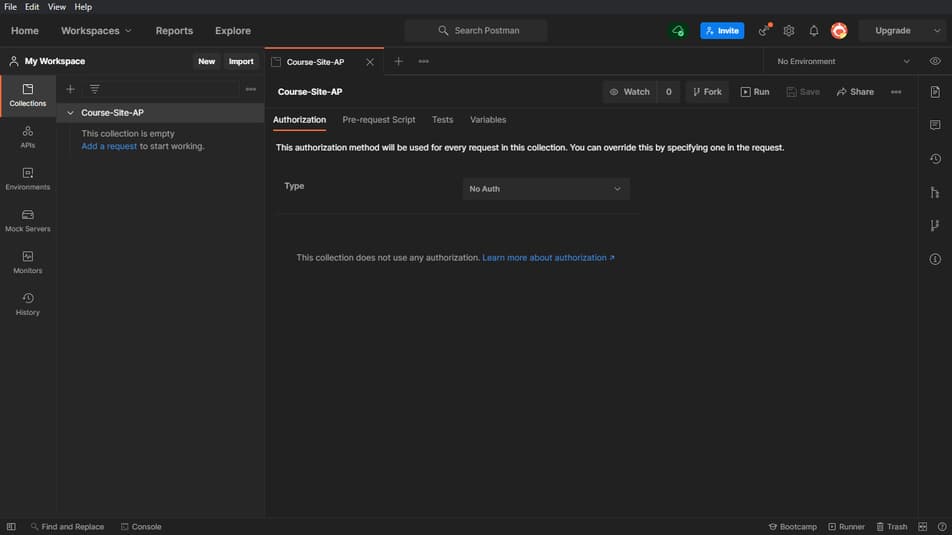
That’s all, We’re good to go.
Creating GitHub Account
Github is where we will store all our code and this will make sure that the code is safe and It will be in a cloud and you can also do alot of stuff.
Go to this link, and follow what I do.
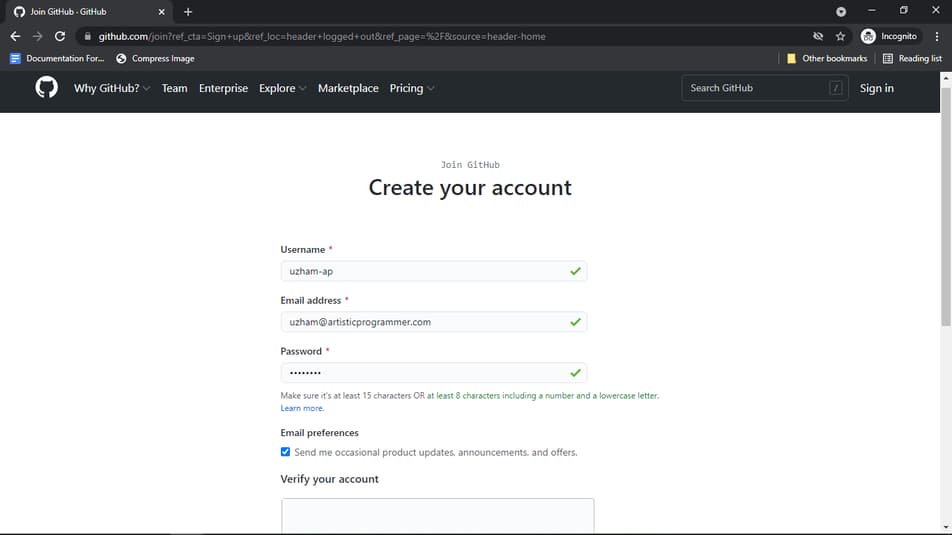
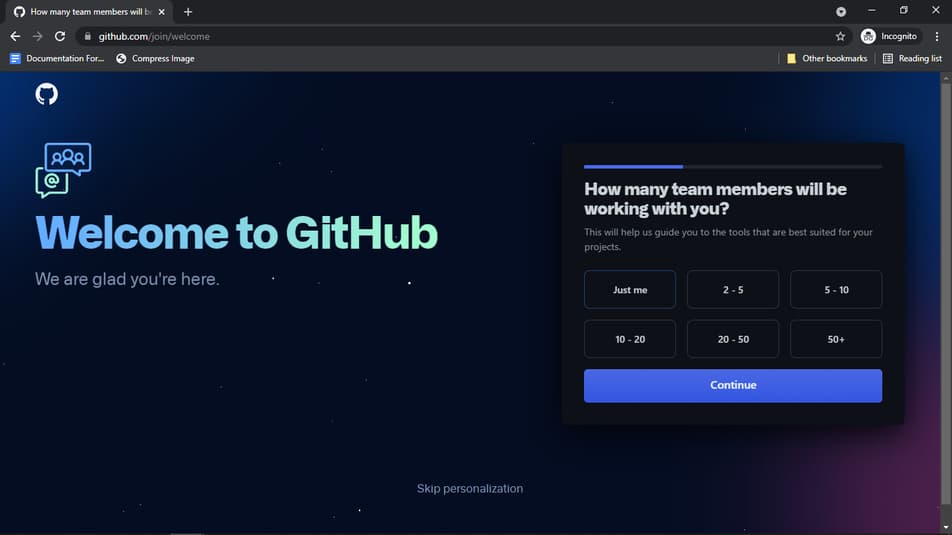
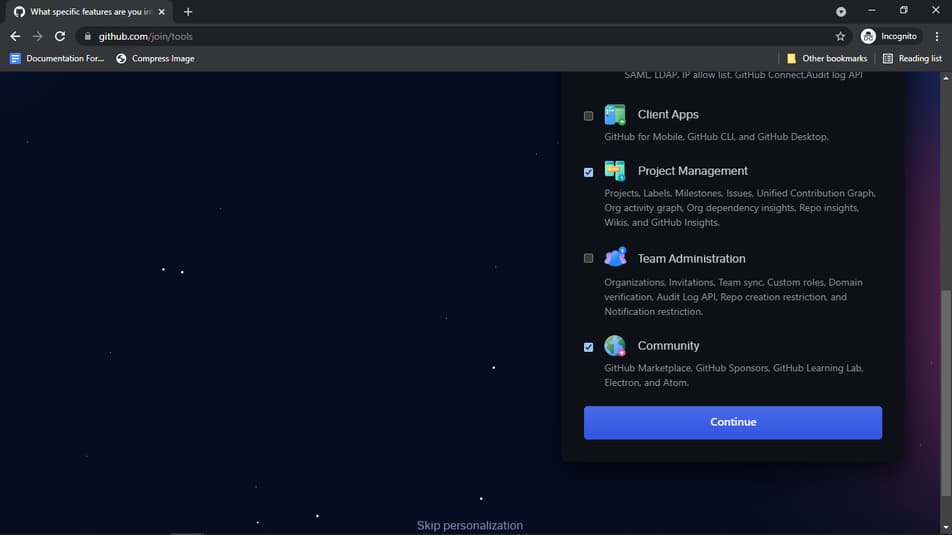
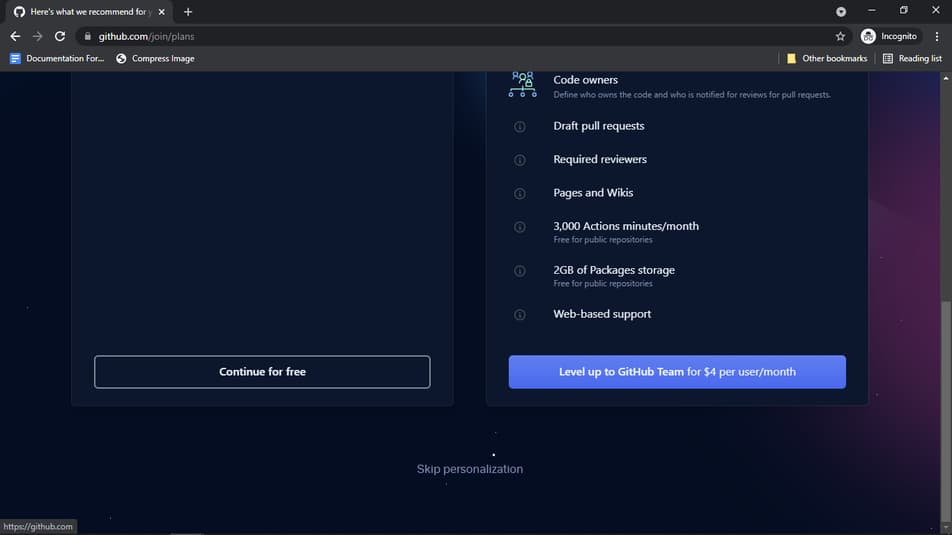
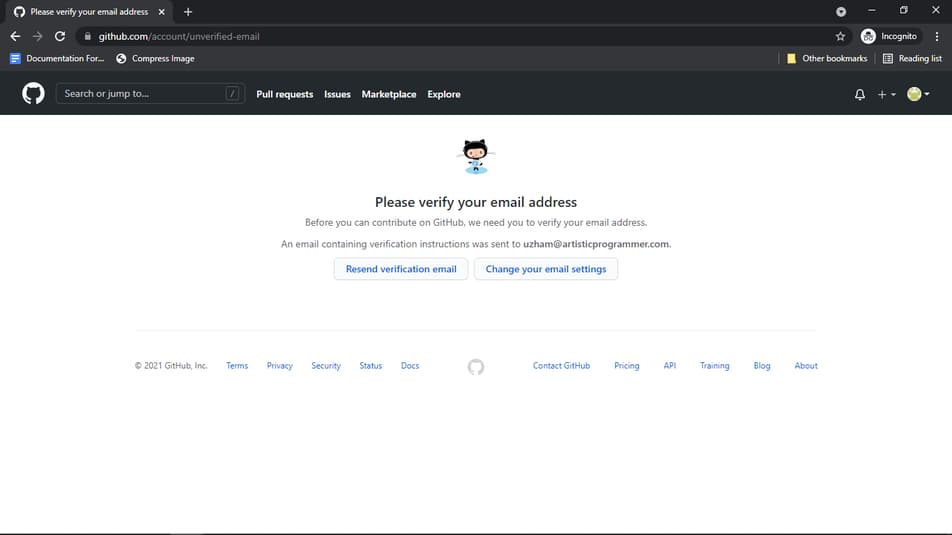
And Verify your email address for using further.
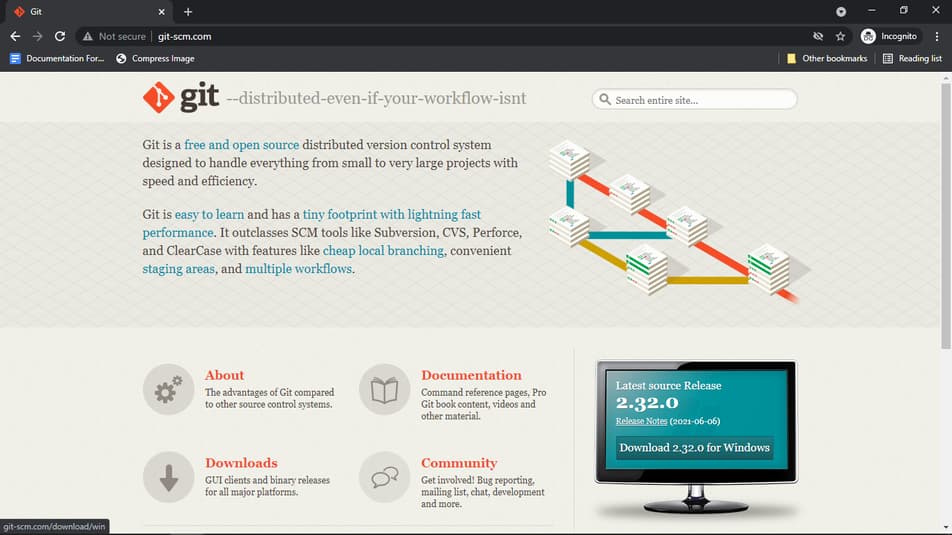
Git – Version Control System
Have you ever been in a situation where you did some changes for new features and then there will be more bugs or problems.
And You wish that there is a way to go back to code the previous code for checking what you mistaken in the code.
Git is here and it will help you time travel between your code either to the past or even parallel universe. I am joking but it is really a time travelling tool for programmers.
Click Here for downloading.
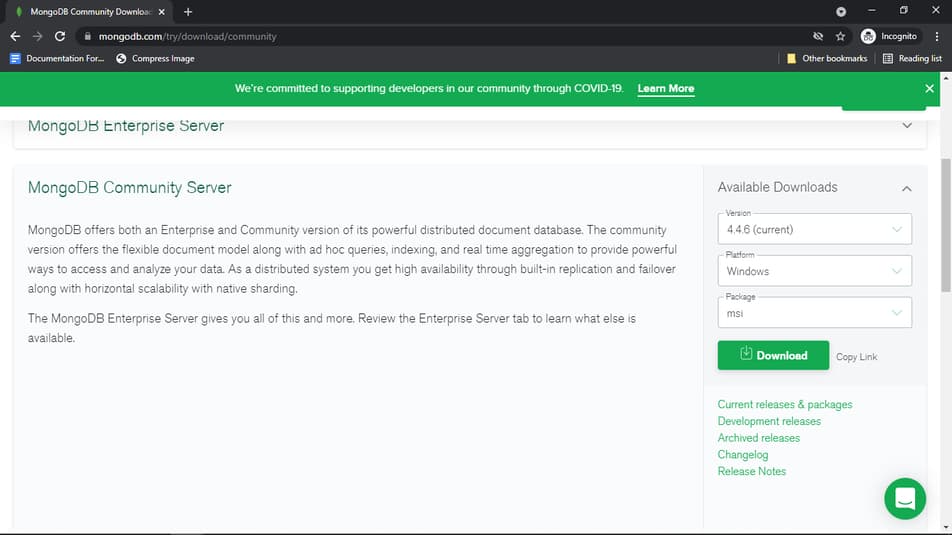
MongoDB Compass
It is Graphical interface for managing our mongoDB server and we are gonna need this for our project.
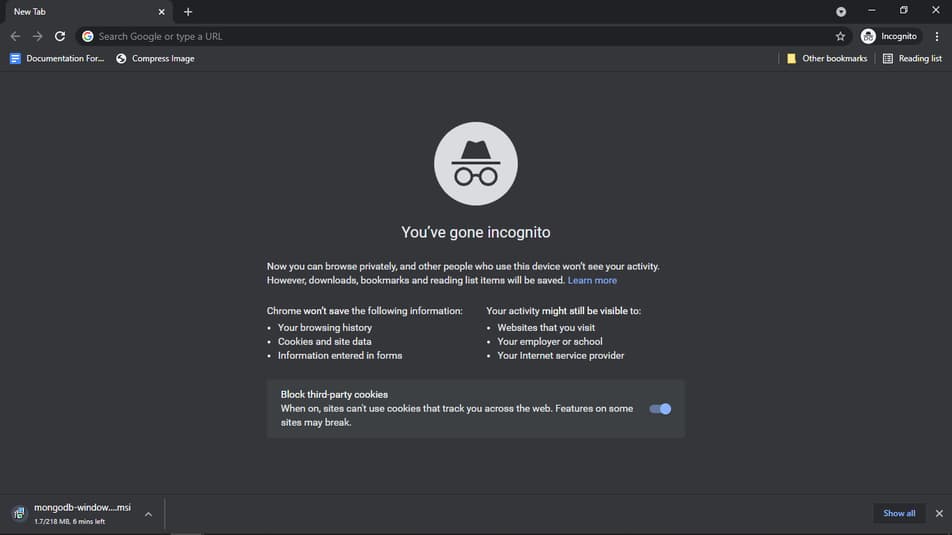
Click Here to download and this is really a useful tool to use.
Conclusion
Finally we have completed setting up our workspace for working on our latest project and We’re gonna do a lot of things.
We will cover literally everything from start to the end of the point for you, Most people never show their failures and hardships while creating
But I am gonna be honest and I will update everything during the process and stay tuned for it. We are doing it like a production level application instead of just making it for the sake of doing.
I am gonna also use it for launching courses in the very feature. Once I get more time.


