Raspberry Pi Web Server Performance

Hello there, ever wondered how much requests does a raspberry pi can handle because I always do wonder like if I am going to host a production website in it, how much requests will it be able to handle per second.
So in this post, we will clearly see how much requests does a raspberry pi can handle in a wordpress site, so for this example am installing a wordpress site in my docker.
If you want to learn how to create a wordpress website from the raspberry pi, I will link an article to it. Because we all know, how much of a headache is installing a wordpress site.
Right, I used docker for creating the wordpress, if you don't know what docker is. Man, you have to come out of your cave often man because docker is a really popular tool for deployment nowadays.
It is so easy to do this whole wordpress thing with docker, two things you need to have installed that's all and you can install all of them with the single command and that's all.
Once you have installed docker and docker compose. I just made a docker-compose file and made my configurations and ran the docker container.
Boom!, that's all you don't need to install mariadb seperately, you don't need to install php, you don't need to install apache and do all the time taking configurations.
That's why I love docker, cause you don't need to do a lot of stuff for deploying a small application. You write a small docker compose file of about 25 to 50 lines and that's all everything is over.
You can use that for deploying your web server again and again. This time I used it for deploying a wordpress site.
It's honestly so easy and if you want to learn docker, no worries mate we got you covered sooner, we will be launching our course on our custom made course site.
That course will contain basics of docker, docker compose, docker swarm, docker network and deploying two real life applications with docker. All of these for just 10$ which is really cheap because I want it to be accessible for everyone.
Yea, that's exciting right, so it is for me to. Stay tuned guys, because I believe we are more than a visitors and blogger, I feel like we are a family and a community.
One last thing guys, thanks for all the support you have been showing to me. It's really nice to have someone's back when they are so low.
Thank you!.
So let's get back to our topic again. Here are the configurations of my raspberry pi
- Raspberry pi 4
- Model b
- 8GB Ram
- 32 GB Storage.
So this is the configuration guys.
Installing dependency for the testing from our desktop.
On the first place we need two things to start the testing, the first one is autocannon, the second one is ddos tester
You can easily install autocannon with this command.
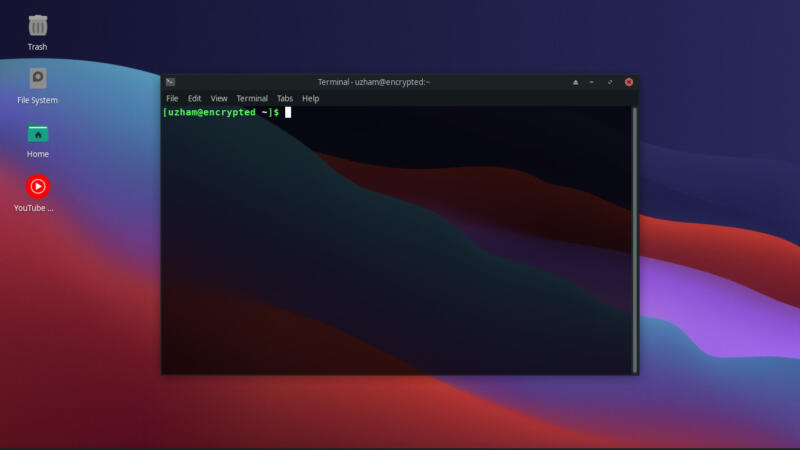
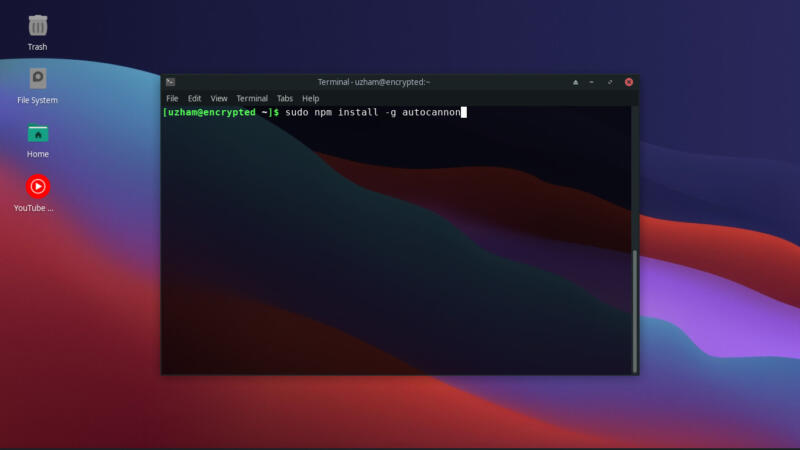
sudo npm i -g autocannon
and I am using hping3 for ddos stress test, let's see how much score does our cute raspberry pi can get.
For installing hping3 you have to be in linux in order to install it, let's see how to do it.
If you are using ubuntu or debain based linux try this command.
sudo apt-get install hping3
Or if you are like me, who likes arch linux more. Then try thing command.
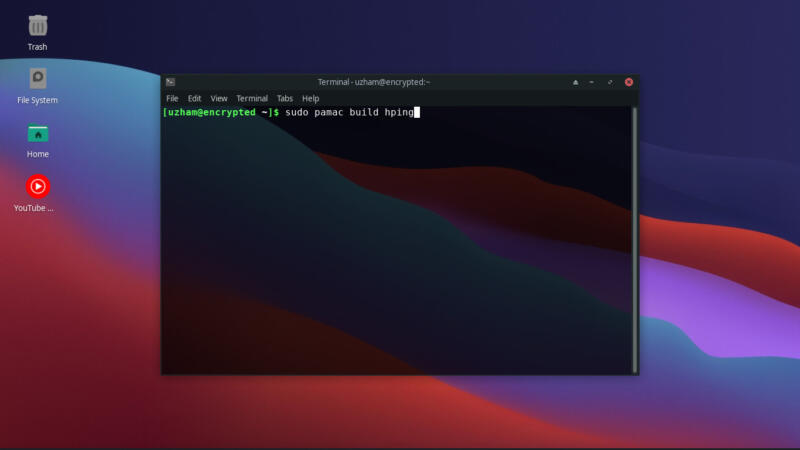
You don't need to put sudo before, I accidentally typed it.
pamac build hping
That's all
Testing Raspberry Pi
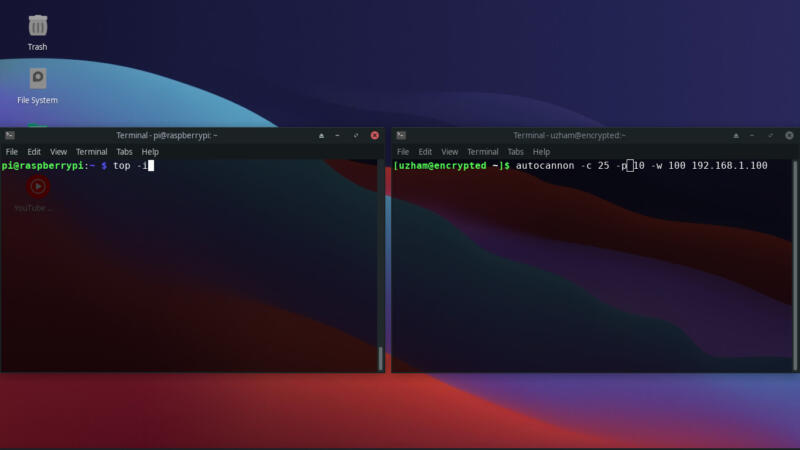
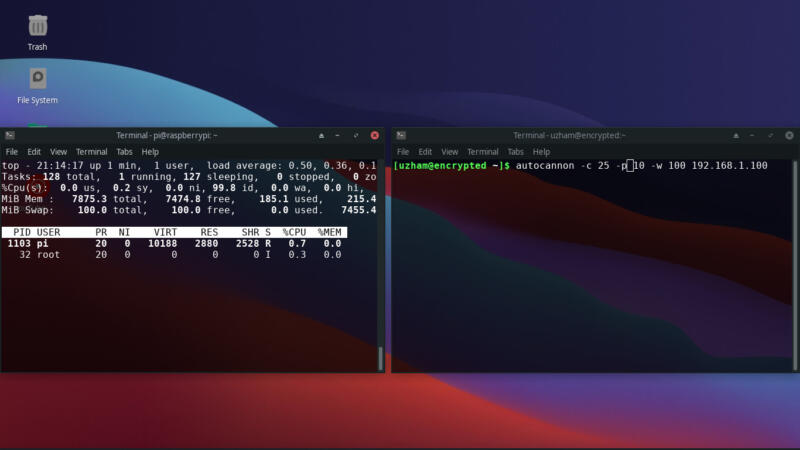
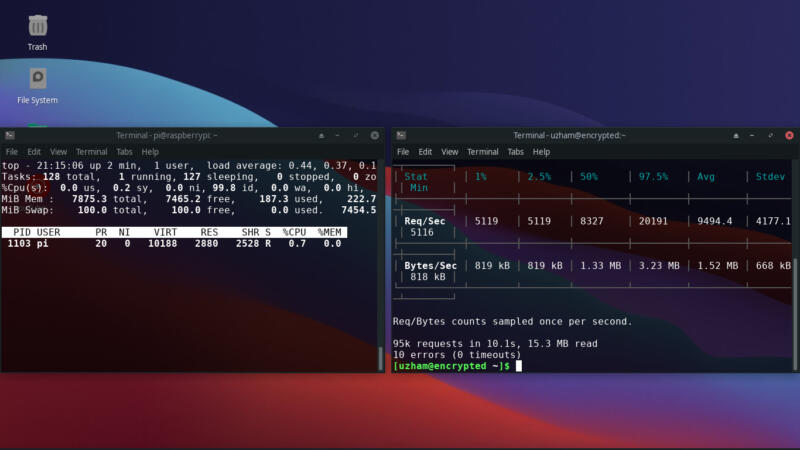
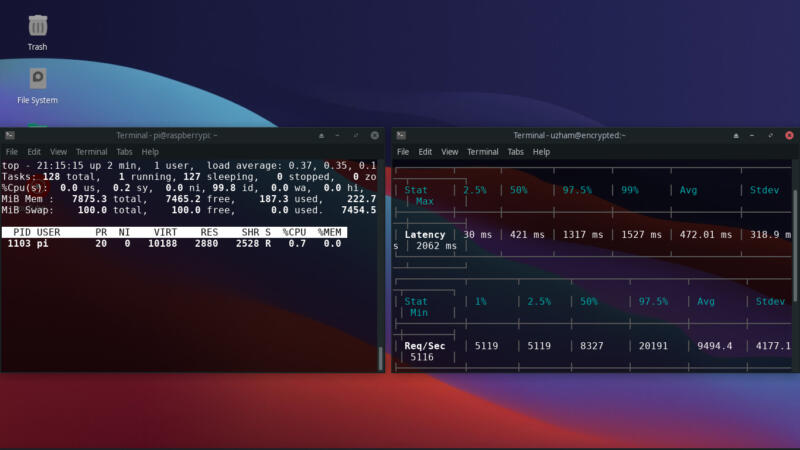
So, I have used nginx for the reverse proxy so that I could access it outside of raspberry pi, let's see what our results have got
First I have enabled worker_processes in nginx to auto for the best performance, let's see what our results.
Let's try now with the hping3
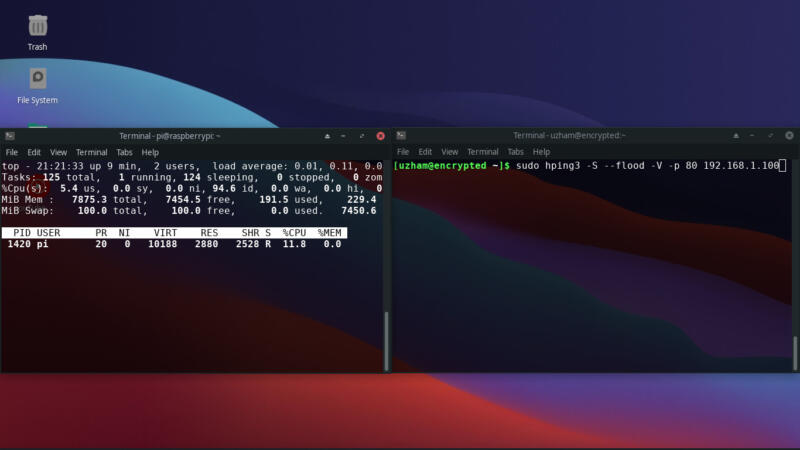
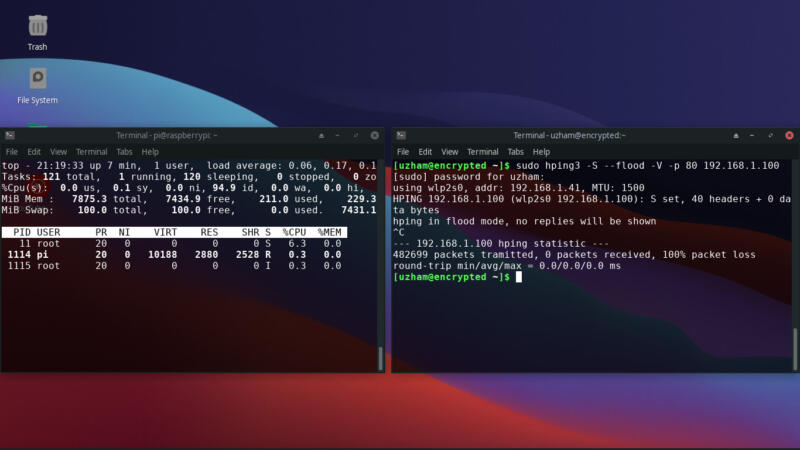
That's all for the today's testing, let's get to the conclusion.
Conclusion
So, we have finally tested the amount requests a raspberry pi can handle.
We have tested via two testing libraries, so we will compare the results.
In the case of autocannon,
- 9.5K average requests per second.
- 51% Usage of CPU
- 190 MB of RAM usage
This is what the results that we have drawn from the first test.
In the case of hping3,
- 482,699 Requests in 41 seconds (11.7K) requests per second.
- 9% Usage of CPU
- 260 MB of RAM usage.
So, as you could see the results, the raspberry pi can handle really so much traffic than a normal vps if you have proper and stable internet connection and little knowledge about linux
You can use raspberry pi as your vps.
That's all for this post mates,
Anyways, Happy hacking!


