What is nginx configuration files?

Are you confused about all the weird stuff's that are stored in the nginx directory and got confused on thinking which one should you edit in order to change the configuration, so was i?, Let's deep dive into what are the nginx configuration files.
The only and the main configuration file for nginx is the nginx.conf mostly located at the /etc/nginx/ directory in any distro of linux and if you are in windows then you can find it in the directory where you unzipped the compressed file
This is the simplest explanation of the answer that you are looking for but, if you want to understand what are each of those file mean in the first place, then continue forward or if you got what you found you might also need to consider reading this article on setting up nginx conf files
If you are one of our mates then you might have knew the articles that we have written on the topic of nginx, if you want to continue to watch our nginx series to roll out, click here to view all the articles on nginx
Nginx has become the most popular and most used web server technology in the whole web according to the survery by DreamHost in may 2021.
Which is really awesome because we all know how easy it is to learn nginx and set it up even if you don't know a single thing about it, Don't take me wrong am just seventeen and if I could learn it, man you can abviously learn it.
Overview
In the remaining section of the articles we will see about mainly about these topics
- The folder structure of ngnix configuration files
- We will also see what each of the files and directory is
- And Finally we will see a little introduction to nginx
If you are ready to get going, then hold your seat belts for a massive journey filled with information that you can completely read it within under 4 minutes.
Where is the folder of nginx located.
If you are using ubuntu, kali linux, elementary os, linux mint or any other debian based operating system, use the following command.
sudo apt-get update && sudo apt-get install nginx
This should install the nginx in your operating system, and automatically run it in your background processes.
If you are in arch linux, you can use the below command.
pamac build nginx
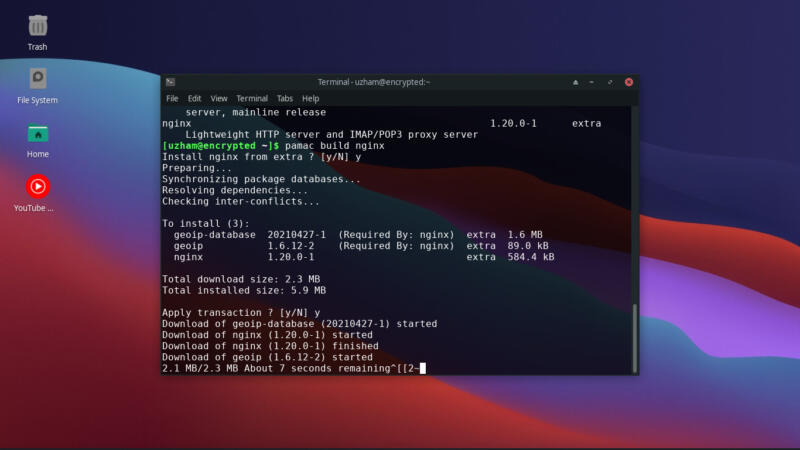
So, now you have install nginx in your operating system, hurray!.
Let's see how to check whether it is running in the background, Now in my desktop you can see the process is not active, because I am using arch linux. So I have to manually turn it on but if you are in debain based distro
sudo systemctl status nginx
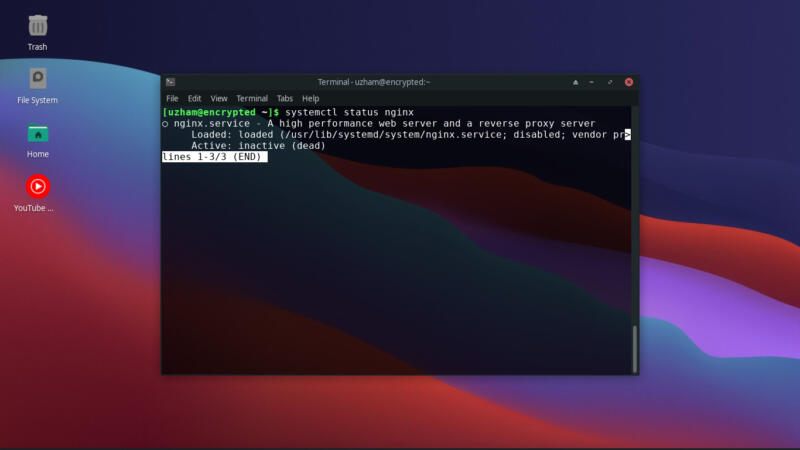
It should say active like the 2 images below.
If you want to activate nginx just like me, then type the below command.
sudo systemctl start nginx sudo systemctl status nginx
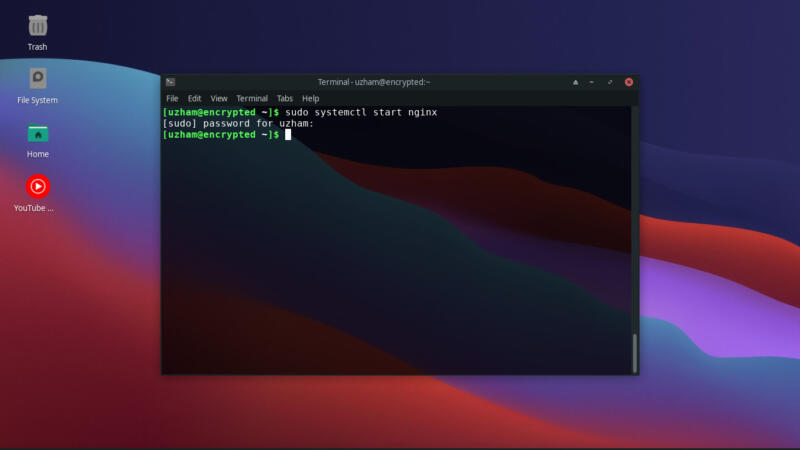
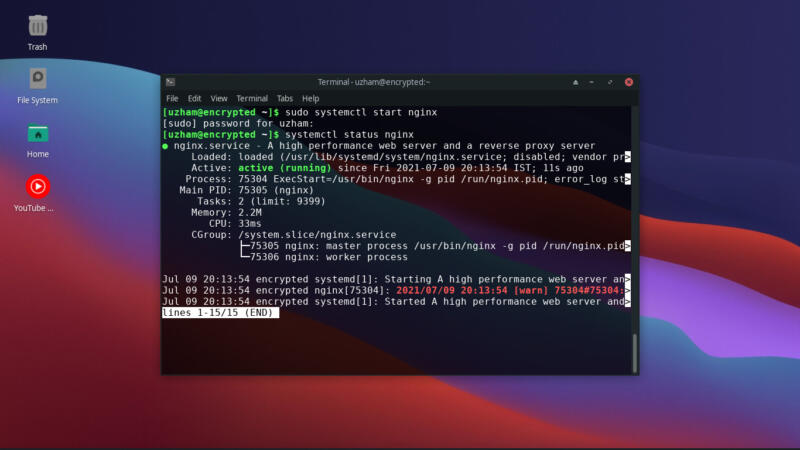
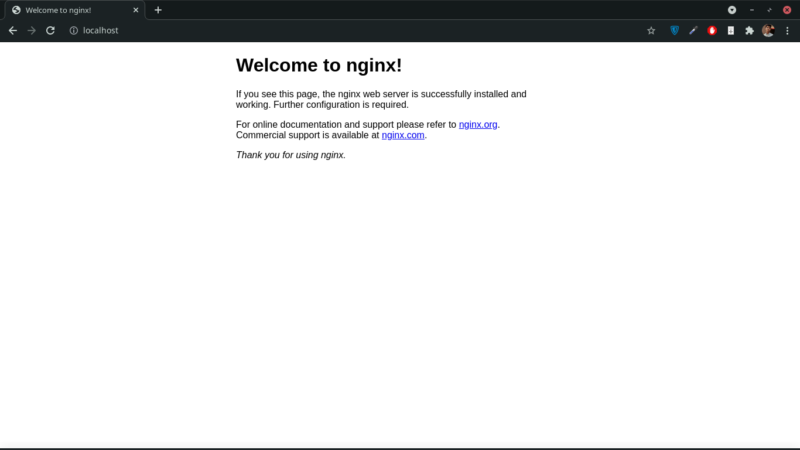
This commands should start the nginx server and also the below command you can use to check whether the process is started then head over to http://localhost/
The folder structure of nginx
Now if you have done all of that you are ready to get started,
Now you go to /etc/nginx directory you should see 9 files displaying in your terminal or your file manager
nginx | └──fastcgi.conf | └──fastcgi_params | └──koi-utf | └──koi-win | └──mime.types | └──nginx.conf | └──scgi_params | └──uwsgi_params | └──win-utf
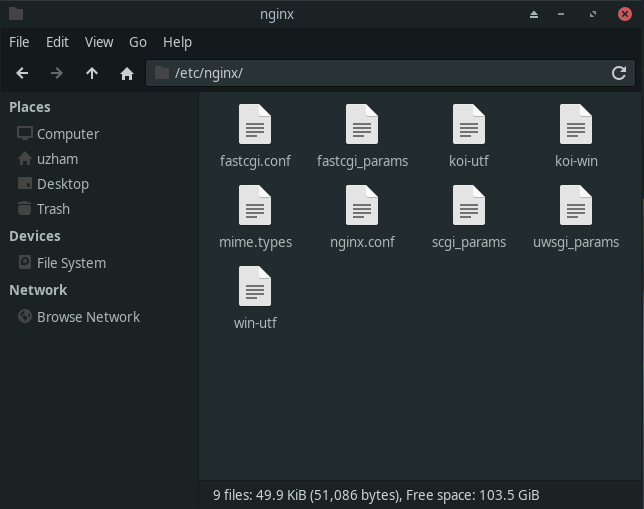
So there are the 9 files you should see if you have installed it brand new like me.
Now in case, if your server has already got installed with nginx, then you might have two more directories called sites-enabled and sites-available.
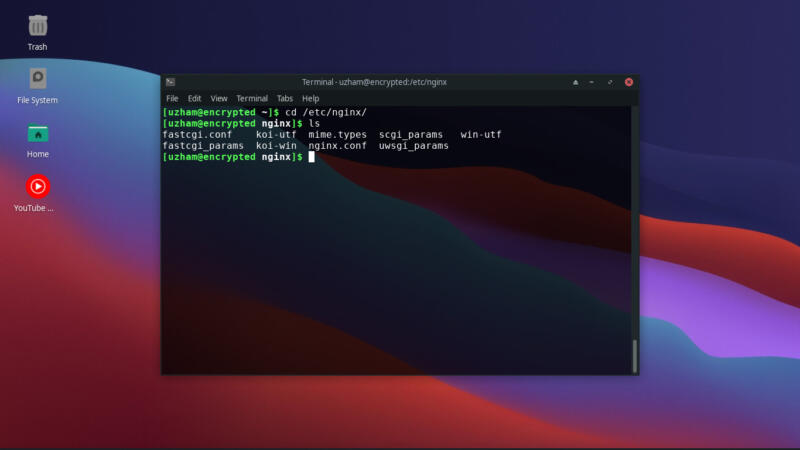
We will see one by one what each of these things mean and about what are the stuffs that you have to worry about.
What each of the files and folders does?
So, we have now found what are the files that are available in the nginx directory but what does each of the file means and what do i have to edit in order to change my server?
Let's see what each of the files mean one by one from the order of the most importance.
- nginx.conf
- This is the most important file of all, here is where all the configurations for your server goes in and here you can configure for log and error logs as well,
- This is the only file that you will edit at all.
- sites-available folder
- This folder is made especially for making your code by modular by seperating each server block into their own files inside inside that folder
- This is not your concern if you don't have a more than 3 sites running in the same server or proxying it to somewhere
- mime.type
- When you try to serve static content via nginx without any reverse proxy then it will not recognize a file type like in case when you send a css file it will send it like a normal text file
- Which means your file will not be loaded in the frontend or to the user, so you will just include this file in your main http block.
- All other files.
- These files are not means to be edited and these are used mostly to be included in your nginx configuration, for example in the case of fastcgi, you will use it for the improvement of server performance by making all the requests together which are sent seperately for css files and js files to be sent together with html
- These files are not your main concern you will use for including it in your own server or http block.
- Sites-enabled folder
- This folder contains the memory configurations that are configured by the nginx itself, don't mess this up, this contains lots of symlinks to folders and files.
- You should not edit this
Introduction to nginx
So if you are just starting out with nginx, here is a something valuable that you could learn in 2 minutes, so let's get started.
Now open your browser and go to http://localhost and you should see a page like this or you have to start the server again by the above commands that I have mentioned.
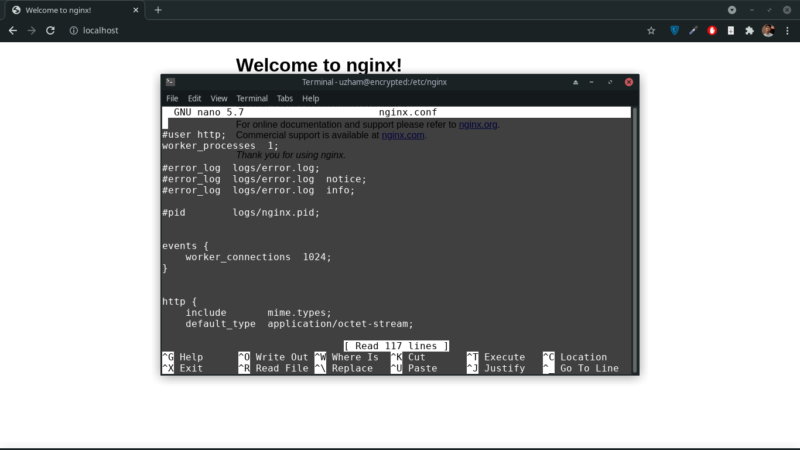
Now, please open up a terminal or a code editor with root privilage on the folder /etc/nginx/ but for the case of ours I am using nano (nano is a simple text editor tool that anyone can easily use for editing files inside terminal unlike vim, it is easier to use)
Once you opened it type the below commands
cd /etc/nginx/ sudo nano nginx.conf
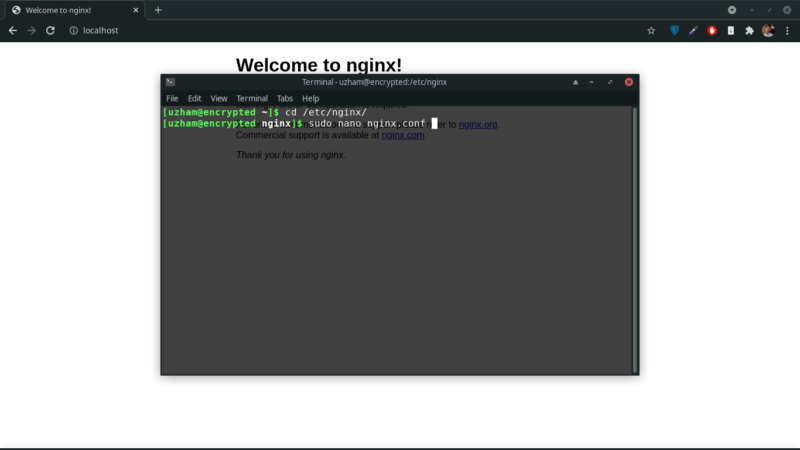
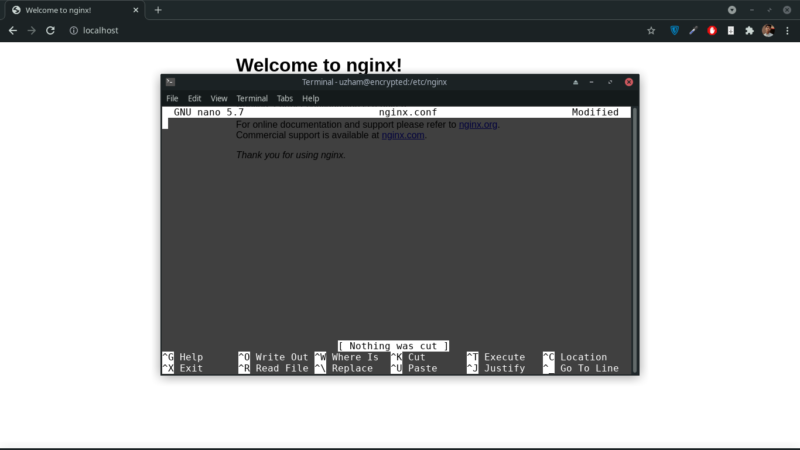
This should open the text editor and now once it's opened just delete everything in there or it will confuse the hell out of you
Once you deleted everything just copy paste the below code.
events {}
http {
server {
    listen 80;

    location / {
        return 200 "Hello World Mate!";
    }
}
}
Once you pasted it, press ctrl+s for saving it and press ctrl+x for closing it. then type the below code.
sudo nginx -t
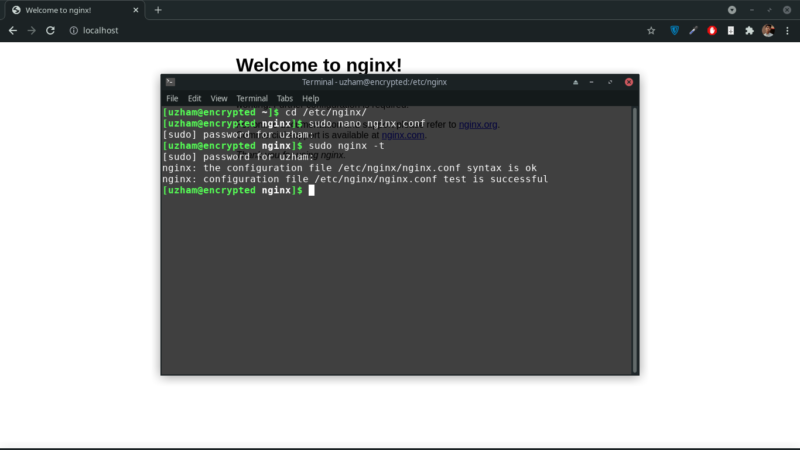
This will check whether is there any error in our configuration
sudo nginx -s reload
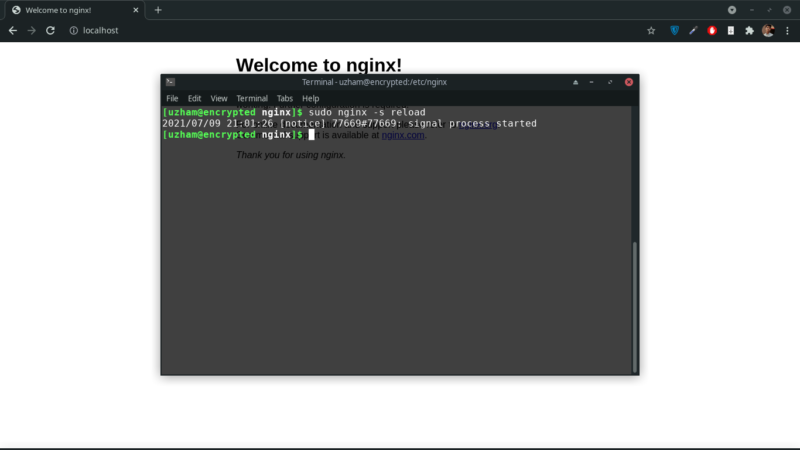
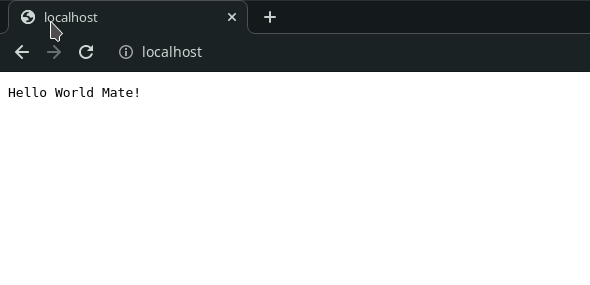
This will reload the server and display what we have modified it into,
Shall we see what does the code block mean?
events {}
In the events block we specify lots of performance based things like worker processes and things but we have kept this empty to not complicate anything
http {
server {
    listen 80;

    location / {
        return 200 "Hello World Mate!";
    }
}
}
Now this is a big block let's seperate it out,
http {
}
We have this http block and this is the main block like the root of all the configuations what we specify here will be also configuration default to all the server blocks inside.
http {
server {

}
}
Now we have this server block inside of the http block, what is server block in the first place? Server block are like each seperate websites like let's say I have one blog and I have a static website and I have an ecommerce site. Here's how it would look.
http {
server {

}

server {

}

server {

}
}
So it will have three seperate server blocks, I hope you understand.
Now let's get back to our first config file
http {
server {
    listen 80;

    location / {
        return 200 "Hello World Mate!";
    }
}
}
Now inside our first server block, we are telling it to listen to port 80 and we have another block called location block / means the root route, which you all might know.
And inside that location block we are returning a string with a response code of 200.
That's all for the introduction guys, I hope you all like it. Share it with your friends and colleagues and let them also find the value.
Conclusion
We have seen all about the nginx configuration files and how everything and finally we have covered a little introduction to nginx and in the upcoming posts we will answer to lots of questions regarding nginx and continue our series.
Let's hope guys that we will cover every single topic on software engineering and that's my end goal and Yep I know it's too unrealistic but let's say the sky is the limit and I am ready to learn anything and go as far to any end to achieve this goal.
One more thing guys, I hope you all like the content and if you do like it please just leave a comment, it really makes my day, so damn good.
Thank you guys! Oh one more thing the courses website is on the build it will be ready soon,
Anyways, Happy Hacking Guys!


